
Browser Games›Snake
Play the classic snake game in your browser. Guide the snake to the red berries, grow longer with every bite and keep clear of the walls and your own tail. Choose one of three speeds, switch the walls off if you want the snake to pass through the edges, and try to catch the gold star before it disappears.
How to play Snake
- Press Start. The snake moves by itself, one square at a time. You only choose the direction.
- Steer it to the red berry. Each berry gives 10 points and makes the snake one square longer.
- After every fifth berry a gold star appears for about six seconds. The ring around it shows the time left. Reach it for 50 points.
- With the walls on, the game ends when the snake hits the edge of the board. With the walls off, the snake leaves one side and comes back on the opposite side.
- In both modes the game ends when the head runs into the body.
Controls on desktop and phone
- Keyboard: the arrow keys or W, A, S, D turn the snake. P, Esc or Space pauses and resumes.
- Phone or tablet: swipe on the board in the direction you want to go. You can keep your finger down and change direction without lifting it. The four arrow buttons under the board work too.
- The snake cannot turn straight back into itself, so a press in the opposite direction is ignored.
- Two quick presses are both remembered. To turn around in a narrow space, press the two turns one after the other without waiting for the first one to happen.
- Speed and walls can be changed before a game and after it ends. The game pauses by itself when you switch tabs.
Tips for a longer snake
- Travel along the edges and fold back and forth. Neat rows leave the middle free. A snake that wanders builds its own traps.
- Do not chase every star. If the star is on the far side of your body, 50 points are not worth a dead end.
- Before you enter a pocket formed by your own body, check that there is a way out. The tail moves away as you go, which often opens the exit just in time.
- With the walls off, use the edges as shortcuts. A berry on the far left is often one step away through the right edge.
- Start on Slow to learn the corner turns, then move up. The best score is kept separately for every speed and wall setting, so each one is a fair record.
Rules and scoring in detail
The board has 17 by 17 squares and the snake starts with a length of three. A berry gives 10 points and a gold star gives 50. Both make the snake one square longer. The star never replaces the berry: it is an extra target that is on the board for a limited time.
The snake may move into the square its tail is just leaving. Your best score is saved in this browser for each of the six combinations of speed and walls. Sound can be switched off with the speaker button.
Frequently asked questions
How do I play Snake on a phone?
Swipe on the board to turn, or use the arrow buttons below it. The board is sized to fit the screen together with the buttons.
What does switching the walls off do?
The edges become open. A snake that leaves the board on one side comes back on the opposite side, so only your own tail can end the game.
What is the gold star?
A bonus that appears after every fifth berry and stays for about six seconds. It gives 50 points, five times as much as a berry.
Why does the snake ignore my key press?
It ignores a turn straight back into its own body, and a press in the direction it is already going. Everything else is remembered, up to two turns ahead.
Is there an end to the game?
If you fill all 289 squares, you win. Until then the game goes on, and each berry makes it a little harder.
Is it free?
Yes. There is no sign-up and no download, and it works on phones, tablets and computers.
More games to play
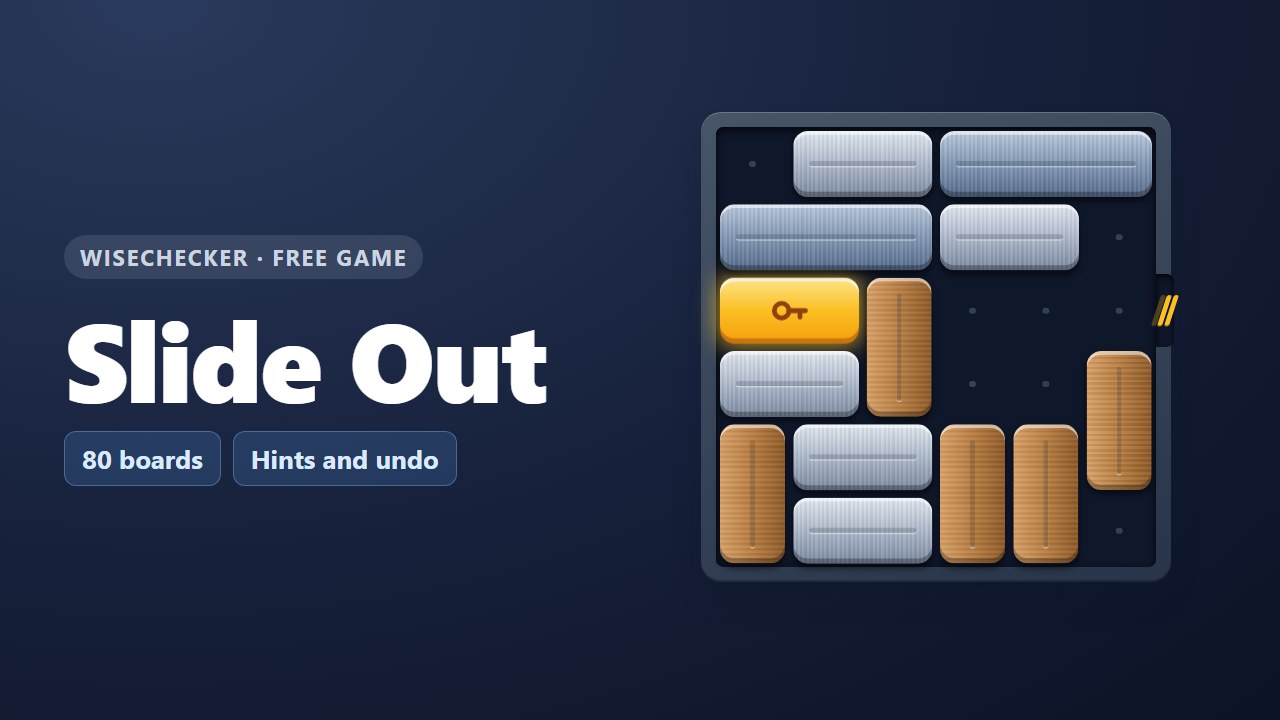 Slide OutSlide the bars and free the gold key bar. 80 boards.
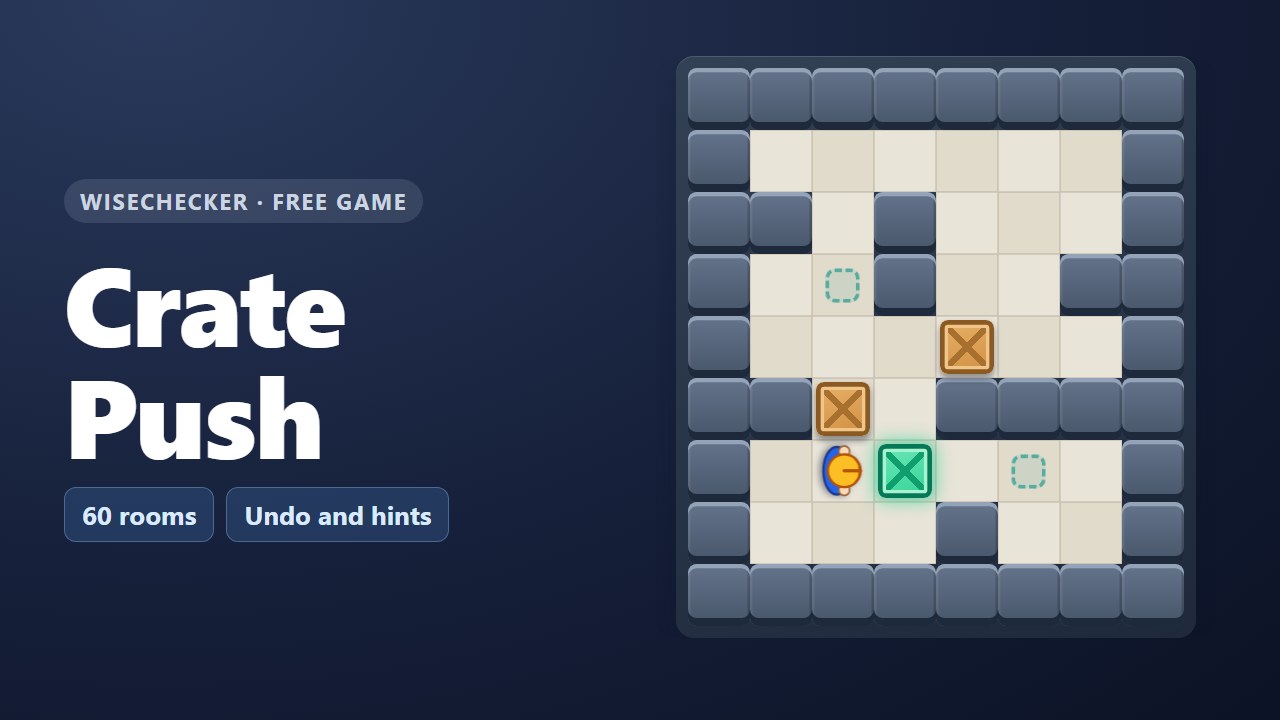 Crate PushA box-pushing puzzle in 60 warehouse rooms.
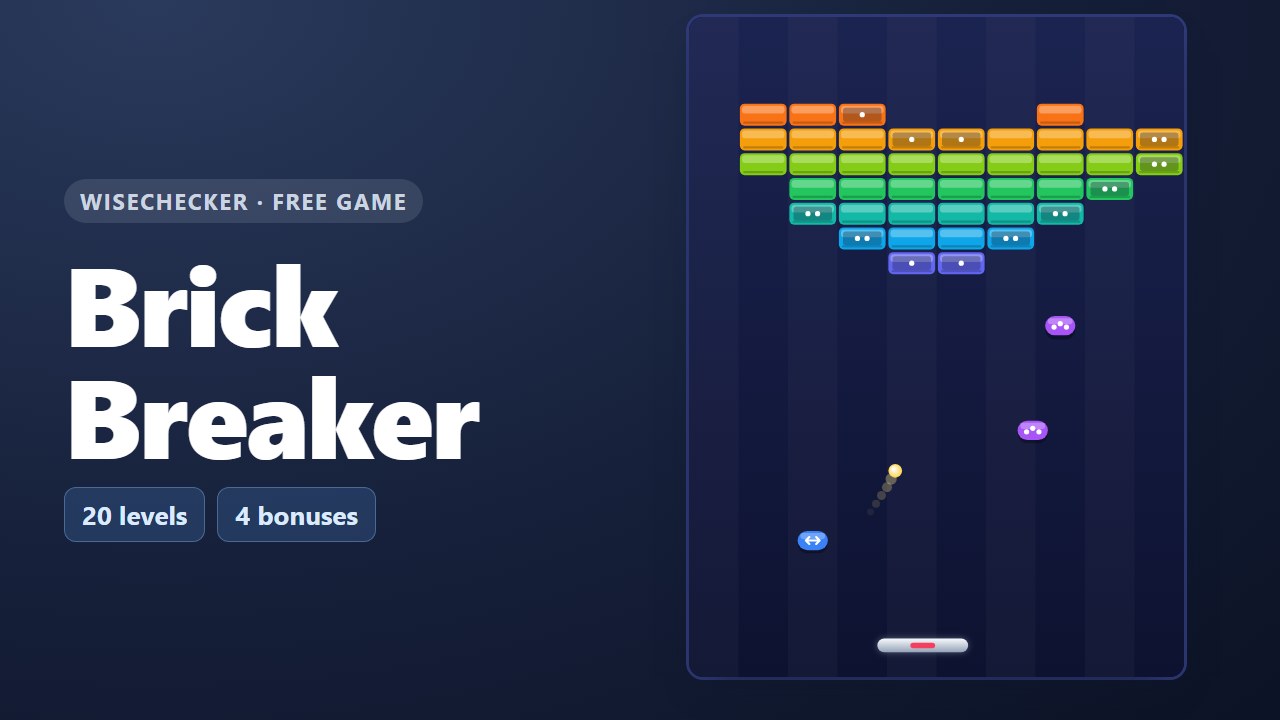 Brick BreakerClear 20 brick layouts with paddle, ball and falling bonuses.
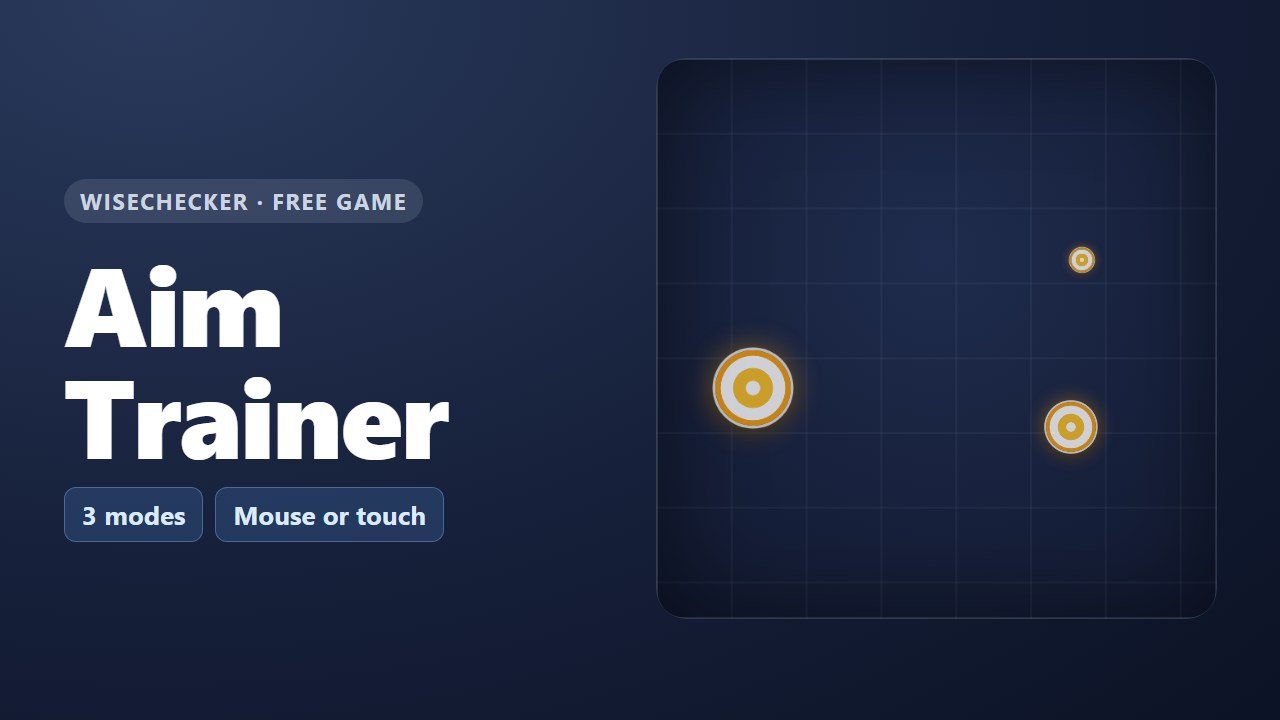 Aim TrainerThree aim drills with time per target and accuracy.
 Dial BackRemember the number, then dial it from memory.
 Buzzword SearchFind the office words hidden in the letters.
Handy free tools
- QR & BarcodesScan QR codes and barcodes from images or your camera, and review the URL structure before opening it.
- Text ComparisonCompare two texts by line, word, or character, and see changes while ignoring whitespace, line breaks, and letter case.
- Bulk File RenamerRename multiple files at once with sequential numbers, dates, or text replacement, check for forbidden characters and duplicates, then save as ZIP or…
- ALLAll free toolsSee all 36 tools in one list.