
Browser Games›Aim Trainer
Test and train your aim with the mouse or your finger. Hit the green target to start the clock, then clear the targets as fast as you can without missing. At the end you get your average time per target in milliseconds, your accuracy and a chart of every hit, so you can see whether you are getting faster.
The three modes
- Classic: 30 targets appear one at a time. The result is the average time between hits. This is the standard aim test and the best number to compare over time.
- Precision: 20 small targets. It rewards a calm hand and exact stops more than raw speed.
- Rush: 30 seconds. Up to four targets are on the range at once, and each one shrinks and vanishes after 1.7 seconds. Every five hits in a row raise the multiplier by 0.5, up to three times the points. A miss or a lost target resets the streak.
How to use the aim trainer
- Choose a mode at the top.
- Hit the green target in the middle of the range. The clock starts at that moment, not before.
- Hit each target as it appears. A click outside a target counts as a miss and lowers your accuracy.
- When the run ends, read your result, then hit the green target again for another run.
What is a good aim trainer score?
In Classic mode, most people who use a mouse every day land between 450 and 600 milliseconds per target. The labels on the result card follow these bands:
- Elite: 350 ms or less per target
- Sharp: 351 to 450 ms
- Quick: 451 to 600 ms
- Steady: 601 to 800 ms
- Warming up: more than 800 ms
How to improve your aim
- Keep accuracy above 90 percent first. Speed that comes with misses does not transfer to real games. When you stop missing, speed follows.
- Move in one smooth motion and stop on the target. Avoid the habit of overshooting and correcting.
- Use your arm for long moves and your wrist and fingers for the last few millimetres.
- Turn off pointer acceleration in your system settings (in Windows: Enhance pointer precision). With acceleration, the same hand movement gives a different distance each time.
- Keep the same mouse sensitivity for a few weeks. Changing it often resets the muscle memory you are building.
- Train in short sets. Five runs a day teach more than fifty runs once a week.
What the numbers mean
The time per target includes the time to see the new target, move to it and click. That is why it is longer than a pure reaction time, which is usually 200 to 250 milliseconds. Accuracy is hits divided by all clicks. On a phone or tablet your finger travels differently from a mouse, so compare touch results only with other touch results. Target sizes adapt to the width of the range, and your bests and last twelve runs for each mode are saved in this browser.
Frequently asked questions
Is this aim trainer free?
Yes. It runs in the browser with no sign-up and no download, and there is no limit on runs.
Does it help in shooter games?
It trains the basic skill that shooters need: moving the pointer to a point and clicking exactly there. Game-specific things such as recoil, movement and 3D sensitivity still have to be practised in the game itself.
Does it work on a phone?
Yes. Tap the targets with your finger. Touch results are saved in the same way, but they are not comparable with mouse results.
Why does the clock start only after the first hit?
So that the time to find the range and get ready is not counted. Every run starts from the same point in the middle.
What counts as a miss?
Any click or tap on the range that does not land on a target. In Rush mode, a target that vanishes before you hit it also breaks your streak.
Where are my results stored?
Only in this browser, on your device. Nothing is sent to a server. Clearing the site data removes them.
More games to play
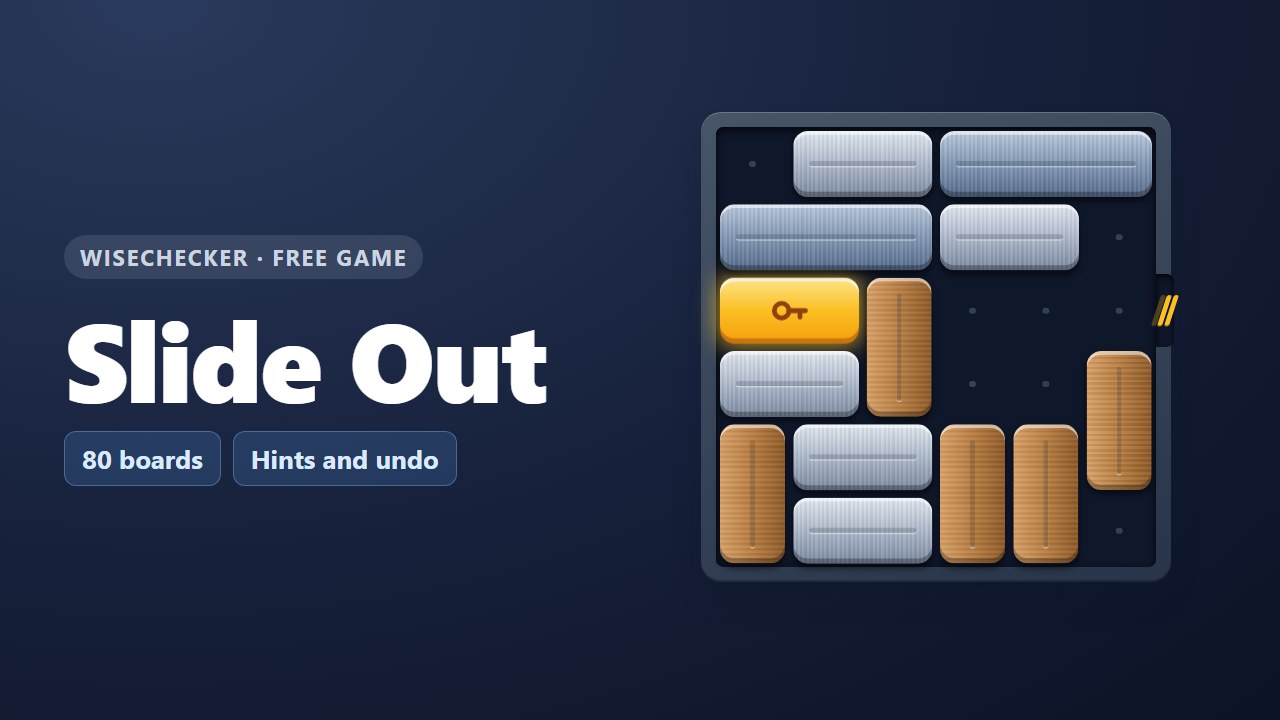 Slide OutSlide the bars and free the gold key bar. 80 boards.
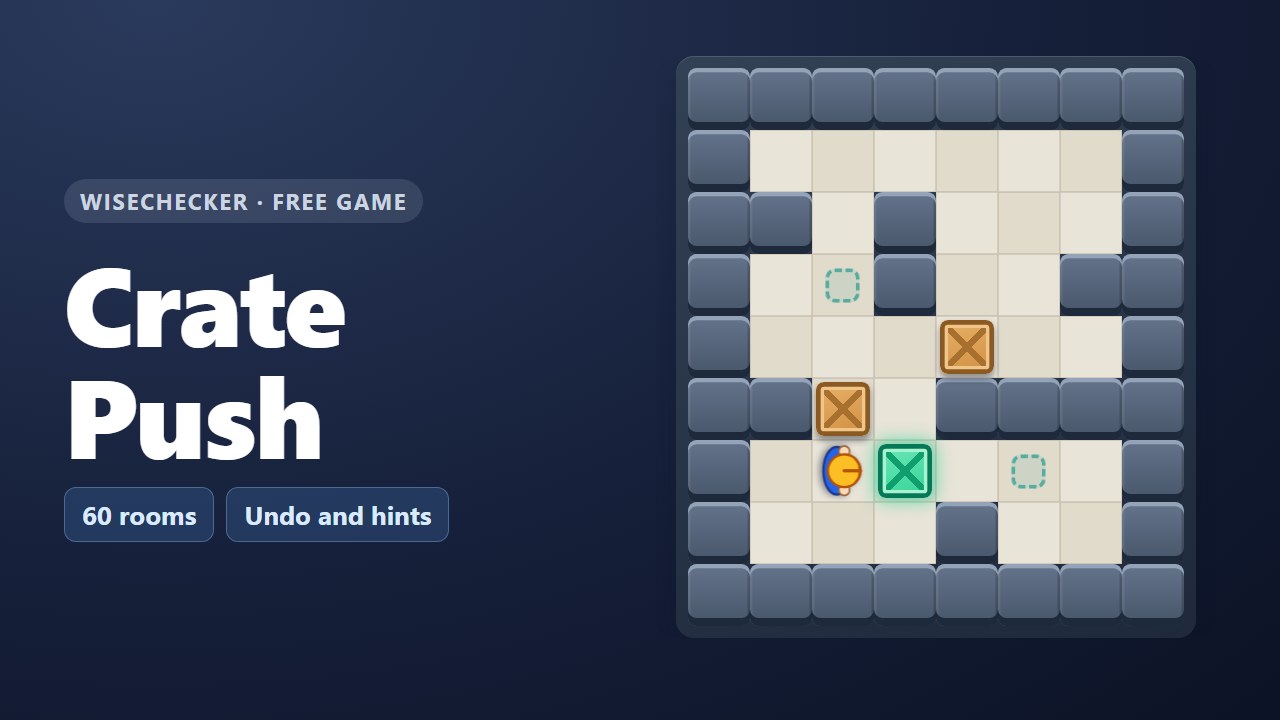 Crate PushA box-pushing puzzle in 60 warehouse rooms.
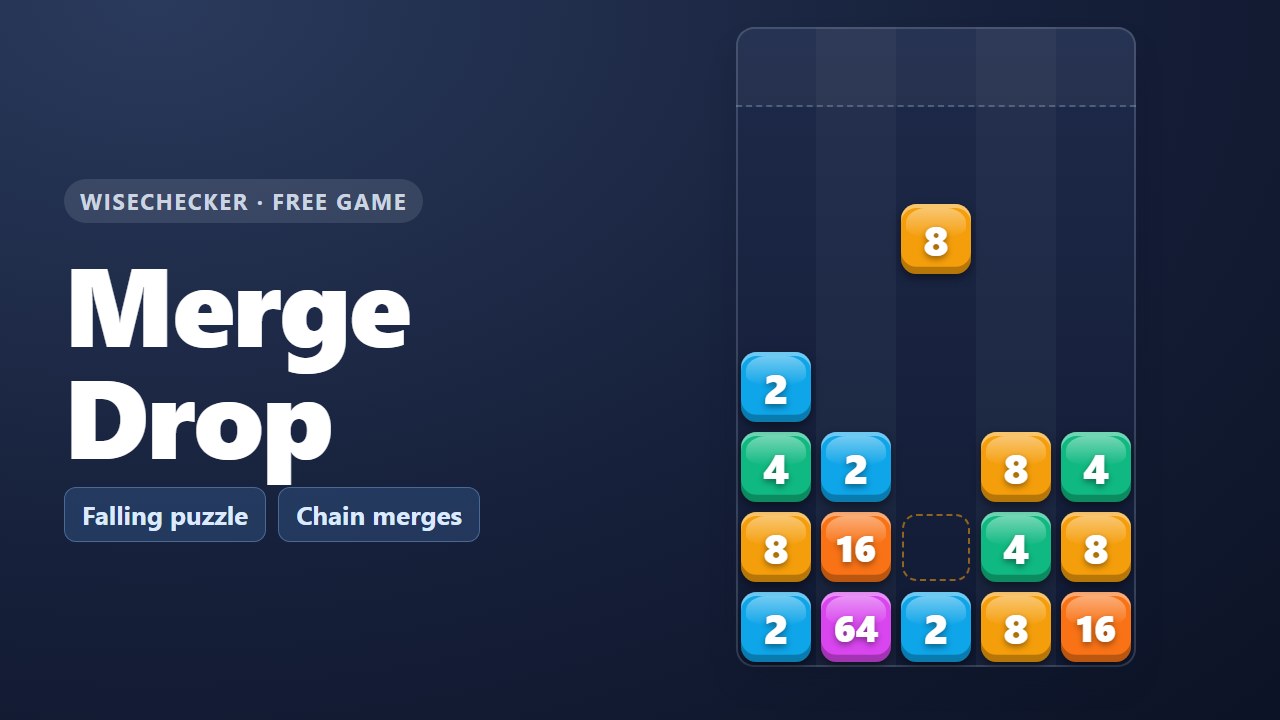 Merge DropSteer falling numbers and merge them before the well fills.
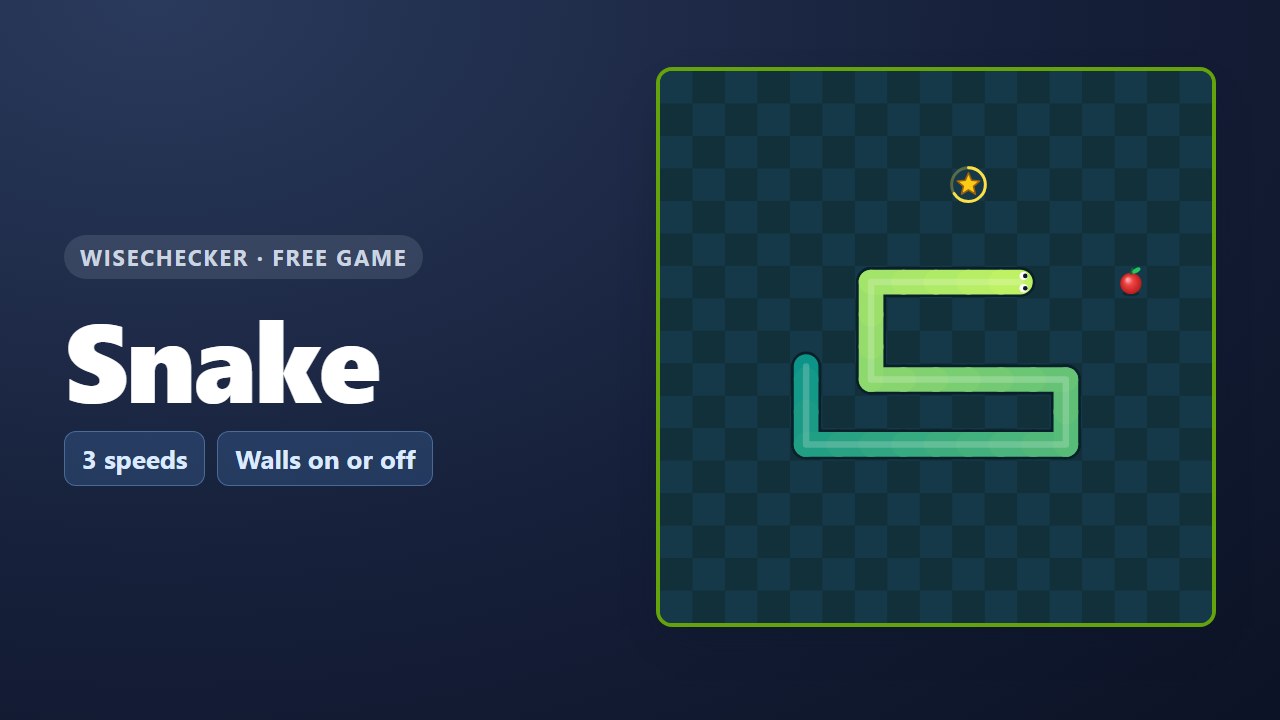 SnakeClassic snake with three speeds, walls on or off and a star bonus.
 Kanban FlowFinish the project in the fewest days.
 Spot the ChangeFind every change between two sheets.
Handy free tools
- CSS Visual BuilderGenerate CSS gradients and multiple box-shadows, and preview or save SVG code with dangerous elements removed and isolated.
- Social Image MakerSet a headline, colors, background image, and logo; check automatic text fitting and safe-area trimming, then save OGP and social media images.
- PDF EditorEdit PDFs without uploading them. Merge, split, reorder, rotate, extract and delete pages, add page numbers and watermarks, and remove metadata for…
- ALLAll free toolsSee all 36 tools in one list.