
All free tools›Check
Type or paste your text into the box. The numbers update with every key: characters, words, sentences, paragraphs, reading time and bytes. Pick a limit to see how much room is left, or use the buttons under the box to change the case.
What the counter shows
- Characters: every letter, digit, space, punctuation mark and emoji. The line below shows the count without spaces.
- Words: groups of letters or digits. Words with an apostrophe or a hyphen, such as don’t or co-operate, count as one.
- Sentences and Paragraphs: sentences end with a full stop, a question mark or an exclamation mark; paragraphs are separated by a line break.
- Reading time: based on 230 words per minute for silent reading and 140 words per minute for speaking. Use the speaking time to plan a presentation or a voice-over.
- Bytes: the size of the text in UTF-8. Some forms and databases limit bytes instead of characters; an accented letter takes 2 bytes and most emoji take 4.
- Most used words: words of four letters or more that appear at least twice, so you can spot repetition.
Check a character limit
Choose a limit from the list above the box: an X post (280), a text message (160), a page title (60), a meta description (160), an Instagram caption (2,200) or a LinkedIn post (3,000). The bar fills as you type and turns red when you go over, with the exact number of characters to cut. Choose My own limit to enter any number, for example the limit of a job application form.
Change the case of your text
- UPPERCASE and lowercase change every letter.
- Title Case starts every word with a capital letter.
- Sentence case makes everything lowercase and then capitalises the first letter of each sentence. Use it to repair text that was typed with Caps Lock on.
- Remove extra spaces turns double spaces into single ones and trims the ends of lines.
- Remove line breaks joins the text into one paragraph, which helps with text copied from a PDF or an email.
- Undo brings back the text as it was before the last change.
Privacy
The text is counted inside this page. It is not sent to a server and it is not saved: when you close or reload the page it is gone. Only your choice of limit is remembered in this browser.
Frequently asked questions
Do spaces count as characters?
Yes. The main number includes spaces, as most limits do. The count without spaces is shown under it.
How are emoji counted?
An emoji counts as one character here, even one with a skin tone. Some services count certain emoji as two, so leave a small margin.
Is there a limit on the length of the text?
No fixed limit. Texts of several hundred thousand characters work, although very long texts update a little more slowly.
Can it fix text typed with Caps Lock on?
Yes. Paste the text and press Sentence case. Names and other proper nouns then need a capital letter again by hand.
How long does it take to read 1,000 words?
A little over 4 minutes of silent reading, and about 7 minutes spoken aloud at a normal pace.
Does it work offline?
Once the page is open it keeps working without a connection, because all counting happens in your browser.
Try next
- Regex TesterTest JavaScript-compatible regular expressions in real time.
- Browser & PC CheckDiagnoses your browser, OS, screen, cookies, storage, camera/microphone permissions, and download capability, then generates a support report.
- Passwords & SHA-256Generate passwords and passphrases with secure randomness, check strength, detect risky patterns, and compute SHA-256 hashes for files to verify…
- Discord Timestamp GeneratorPick a date and time and copy the code that shows every reader the moment in their own time zone.
- Hours CalculatorAdd up work hours from start and end times with breaks, see overtime and decimal hours, and work out the pay.
- Typing TestMeasure your typing speed in words per minute and your accuracy in 15 to 120 seconds, and see which characters slow you down.
- ALLAll free toolsSee all 36 tools in one list.
Take a short break
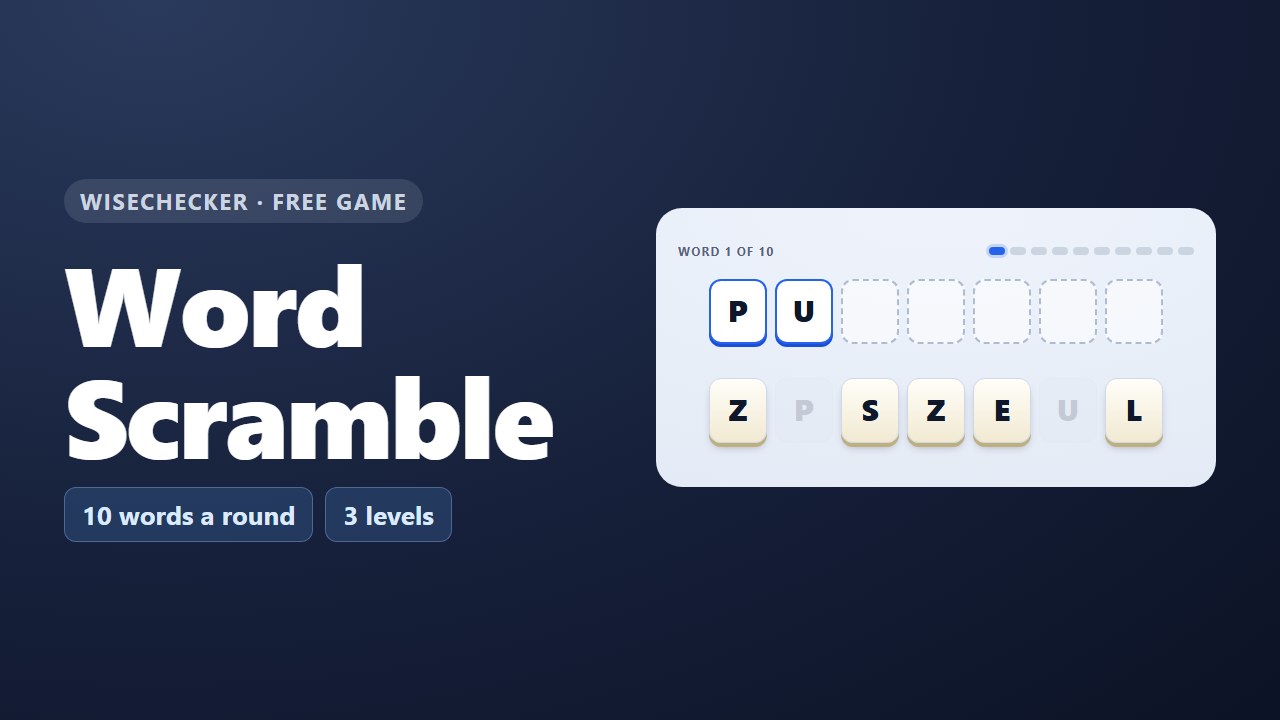 Word ScramblePut the mixed-up letters in order to find the word.
 Booked SolidDrag the week's meetings into one calendar. Everyone has to be free.
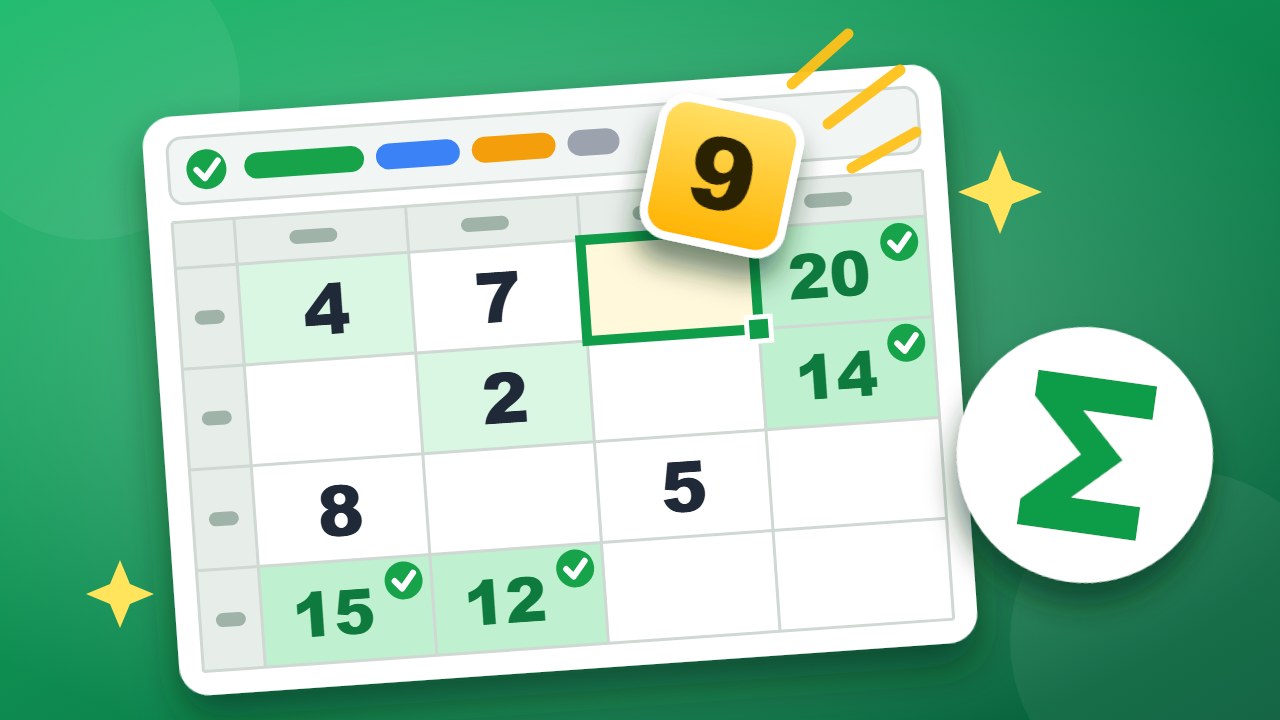 CellwiseFill the sheet so every SUM, MAX and COUNTIF is true.