
Browser Games›Sudoku
Pick a level and start. Click a cell, then a number. Every puzzle is new, has exactly one solution, and is saved in your browser so you can come back to it later.
How to play sudoku
- The board has 9 rows, 9 columns and 9 boxes of 3 by 3 cells. Some cells already hold a number.
- Fill every empty cell with a number from 1 to 9.
- Each number may appear only once in each row, once in each column and once in each box.
- The puzzle is solved when all 81 cells are filled and no rule is broken.
How to use this board
- Fill a cell: click the cell, then click a number or press a number key. Press the same number again to take it out.
- Notes: turn on Notes (or press N) to write small candidate numbers in a cell. When you place a number, the same note is removed from its row, column and box for you.
- Undo takes back your last step (Ctrl+Z). Erase clears the selected cell.
- Hint fills one correct cell. A game with a hint does not count for your best time.
- Mark wrong numbers in red shows a mistake at once. Turn it off if you want to find mistakes on your own.
- The small number on each number button shows how many of that number are still missing.
The four levels
- Easy: 42 given numbers. Every step is a cell where only one number fits, or a number that has only one place.
- Medium: 34 given numbers. The same two ideas are enough, but you have to look harder.
- Hard: about 30 given numbers. Simple scanning is not enough. You will need notes and patterns such as pairs.
- Expert: 24 to 26 given numbers. For players who enjoy long chains of reasoning.
Tips for solving faster
- Start with the number that appears most often on the board. It has the fewest places left.
- Look at one box at a time and ask where each missing number can go. Often only one cell is left.
- When a cell can hold only two numbers, write both as notes. Two cells in one row with the same two notes fix those numbers for that row.
- Do not guess. Every puzzle here can be solved by reasoning, and a wrong guess costs more time than it saves.
Your progress
The unfinished game, your best time for each level and the number of puzzles you have solved are stored in this browser. Nothing is sent to a server, and there is no account.
Frequently asked questions
Is this sudoku free?
Yes. It is free, with no sign-up and no download, and there is no limit on the number of puzzles.
Does every puzzle have only one solution?
Yes. Each puzzle is checked when it is made, and it is used only if exactly one solution exists.
Can I continue a puzzle later?
Yes. The game is saved in your browser while you play. Open the page again on the same device and it continues where you stopped.
Can I play on a phone?
Yes. On a phone the number buttons sit under the board, and the board fits the width of the screen.
How do I enter notes?
Turn on Notes or press N, then choose the numbers. Turn Notes off to place a final number.
What is a good time for a sudoku?
It depends on the level. Many players need 5 to 10 minutes for an easy puzzle and 20 minutes or more for a hard one. Your own best time for each level is shown when you finish.
More games to play
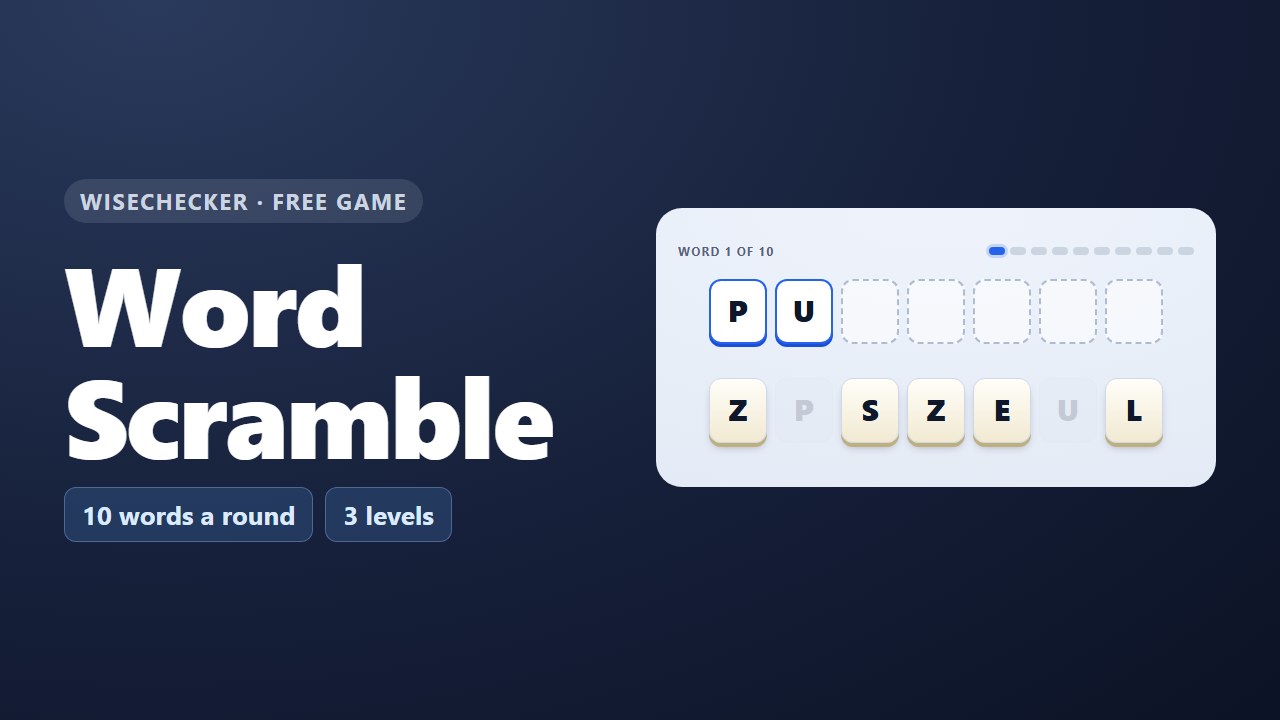 Word ScramblePut the mixed-up letters in order to find the word.
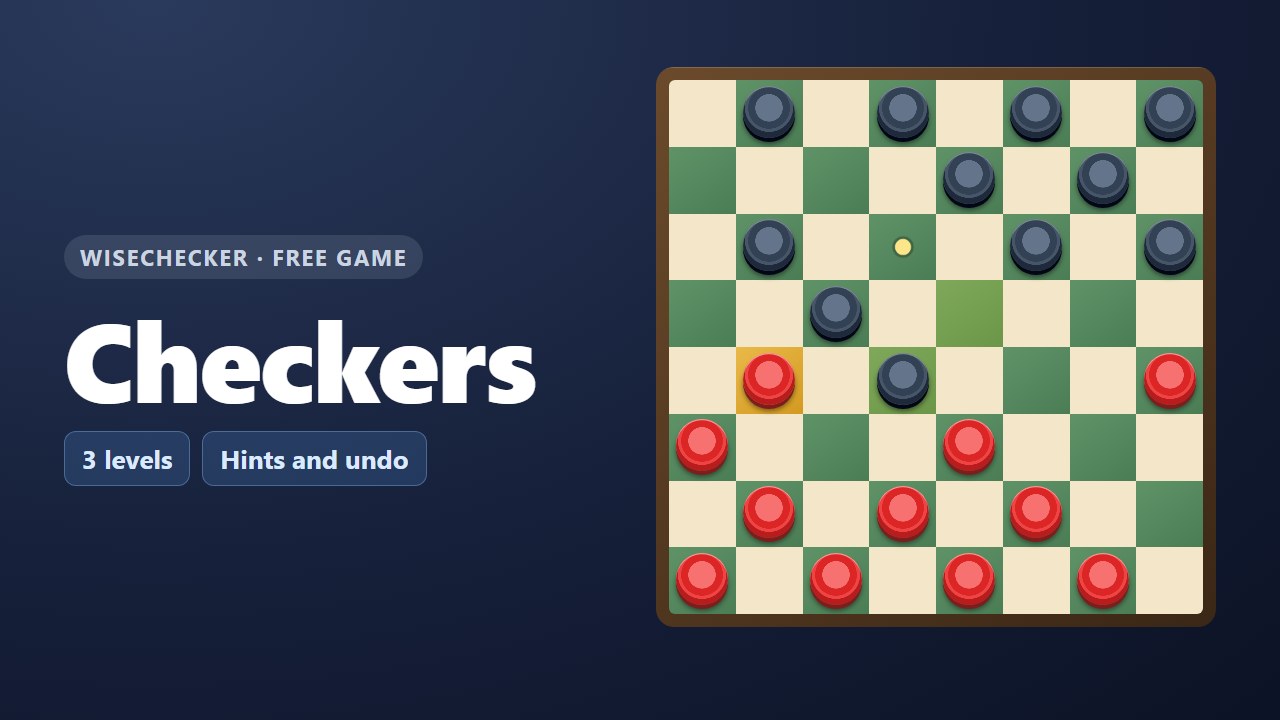 CheckersClassic checkers against the computer in three levels.
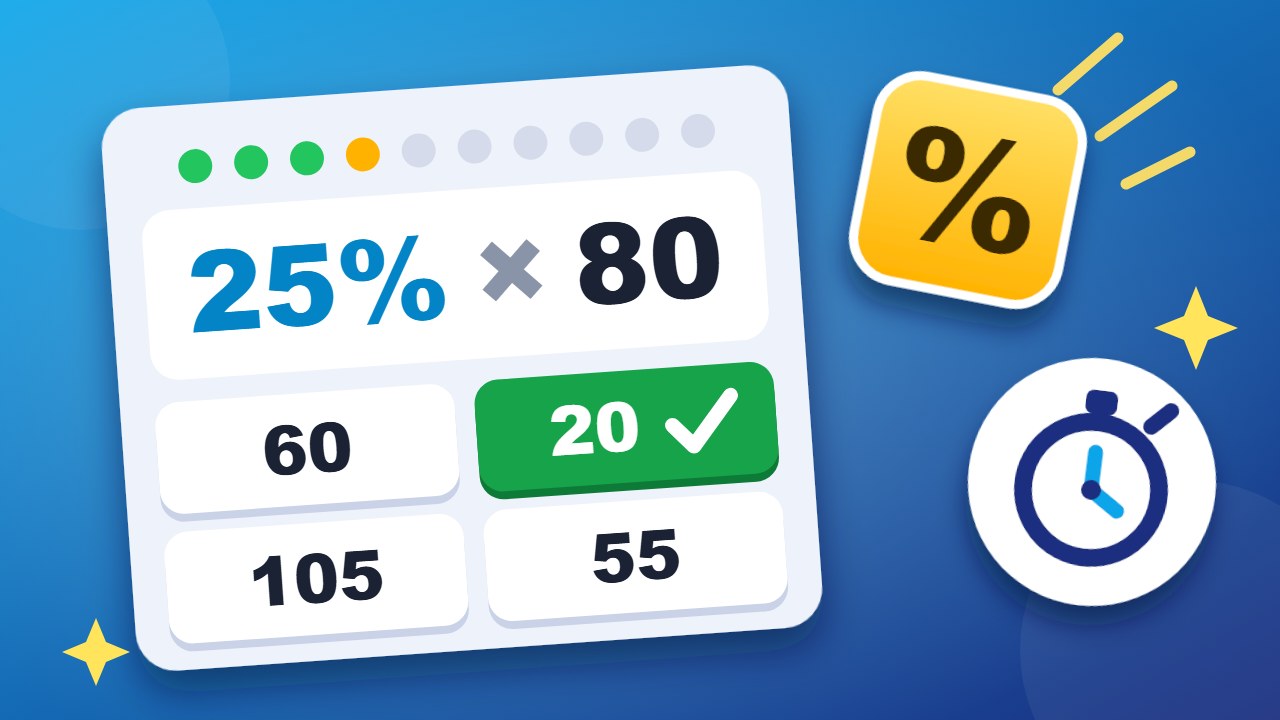 Quick PercentTen percentage questions against the clock.
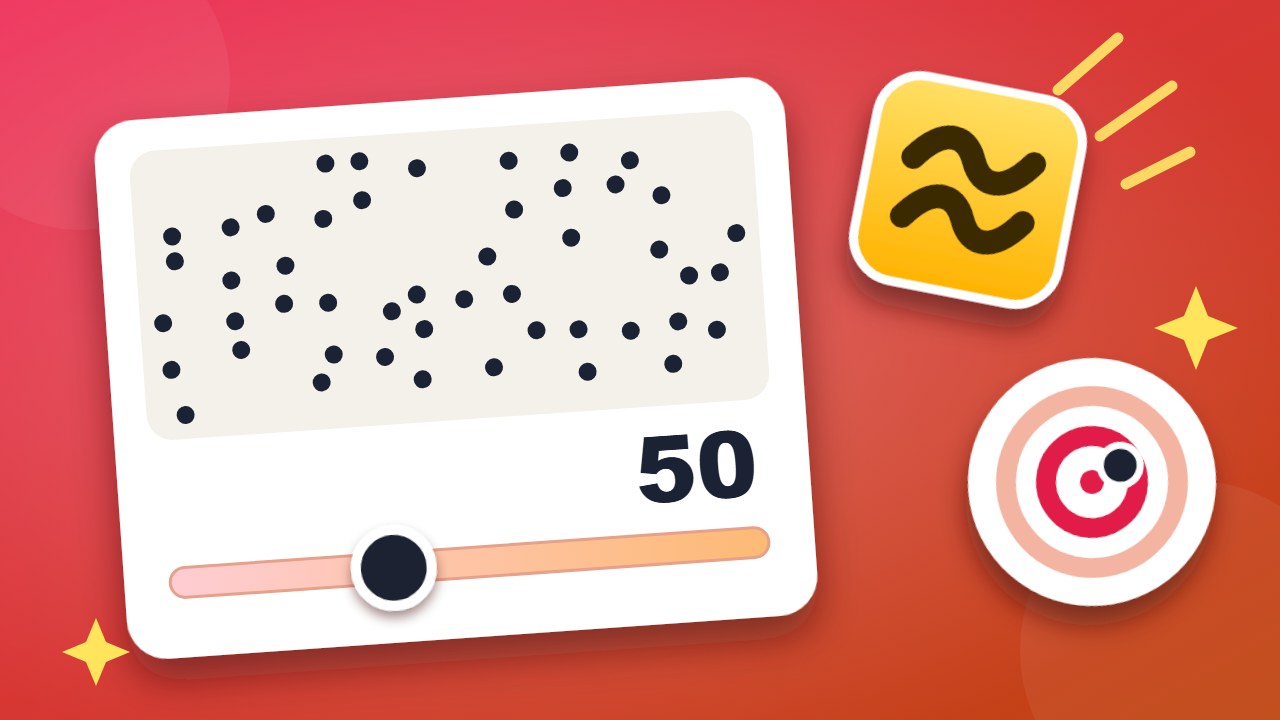 BallparkFive quick estimates. Points for being close.
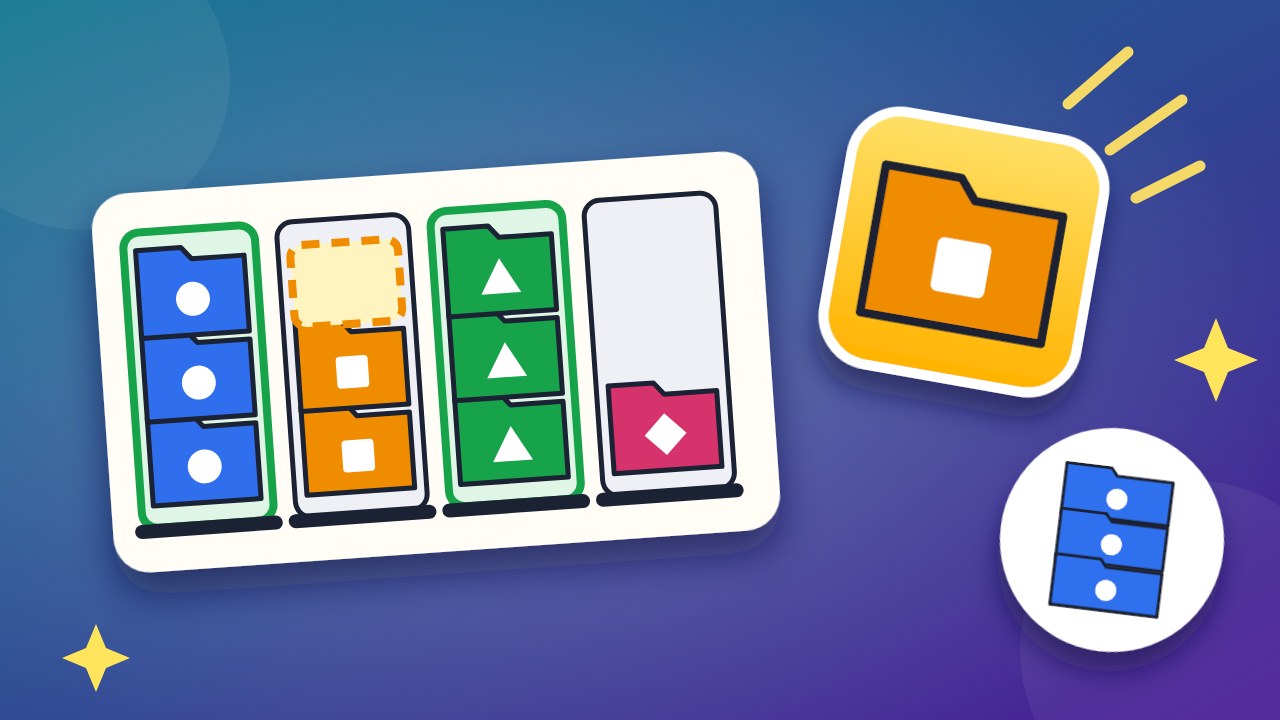 Tidy TraysSort the folders until every tray holds one color.
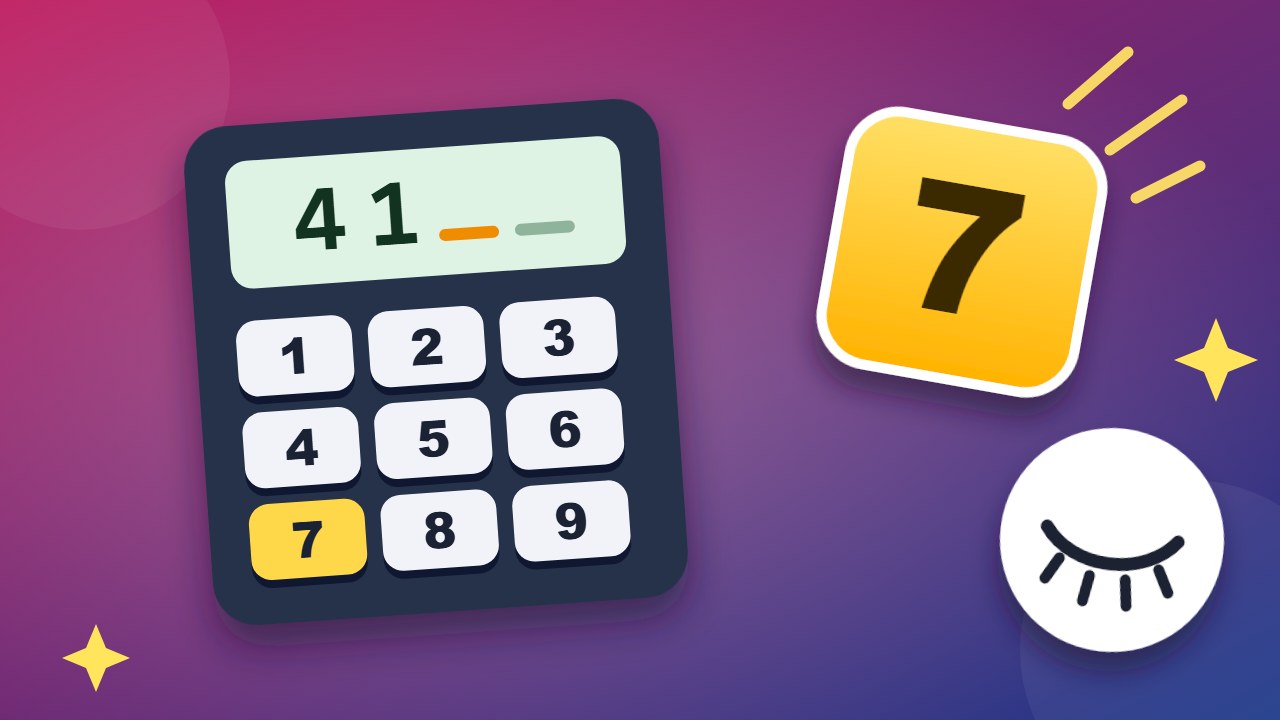 Dial BackRemember the number, then dial it from memory.
Handy free tools
- Video ConverterLoad MP4, WebM, and other videos to trim, resize, convert to WebM, MP4 (where supported), GIF, or extract WAV audio—all on your device.
- Time Zone PlannerCheck current times, meeting times, daylight saving time, and business hour overlaps across multiple cities, and generate Outlook/Google Calendar…
- Meeting TimerManage Pomodoro, countdown, stopwatch, and per-speaker time, and display remaining time in fullscreen.
- ALLAll free toolsSee all 36 tools in one list.