
All free tools›Check
Click the keyboard above and press each key once. A key that turns green reached your computer. A key that stays white did not. The test runs in your browser, so nothing you type is sent or saved.
How to test your keyboard
- Click the dark keyboard area. The small label in the corner changes to Listening.
- Press every key once, row by row. Each key turns blue while you hold it and stays green after you let go.
- Look for keys that are still white. Those keys did not reach the computer.
- Choose Copy report to save the result, for example for a warranty claim or a listing.
What the colors and numbers mean
- Blue: the key is held down right now.
- Green: the key was pressed and received at least once.
- Orange: the key sent two presses within 30 milliseconds. That is faster than a finger can move, so the switch is probably worn or dirty. This fault is called chatter.
- Keys tested: how many keys of the drawn keyboard you have pressed so far.
- Held now and Most at once: how many keys the keyboard reports at the same time. Hold several keys together to test rollover. Many office keyboards stop at 3 to 6 keys; gaming keyboards often report every key.
- Last key: the character and the position code (for example
KeyAorShiftLeft) that the browser received.
Pick the size and layout of your keyboard
Full size has a number pad. Tenkeyless has no number pad. Compact shows only the main block, which fits most laptops.
ANSI is the common US layout with a wide Enter key. ISO is used in the UK, Spain, Portugal and most of Europe: a tall Enter key and one more key next to the left Shift. ABNT2 is the Brazilian layout with one more key next to the right Shift.
The test follows the position of each key, not the letter printed on it. After you press a key, its cap shows the character your own layout types.
If a key does not light up
- Press it a few more times, firmly and straight down. A key that works only sometimes is usually dirty.
- Turn the keyboard off or unplug it, hold it upside down and tap it, then blow between the keys with compressed air.
- Try another USB port, or another cable. For a wireless keyboard, charge it or change the batteries and move the receiver closer.
- Test the keyboard on another computer. If the same key fails there too, the keyboard is at fault. If it works there, check the settings and drivers of the first computer.
- On a laptop, restart and test again. If a whole row or a block of keys is dead, the internal cable or the keyboard itself usually needs service.
- Print Screen, the Windows key and some shortcut keys are sometimes taken by the system before the browser sees them. If only those stay white, test them in an app that uses them.
Test a keyboard before you buy, sell or return it
A full pass takes about a minute. Press every key, then hold groups of keys to check rollover, and watch the Double presses number while you type a few sentences. Copy the report and keep it with your order or your listing.
Privacy
The tester reads key events only while the keyboard area is selected. It does not store what you press and does not send it to a server. Your size, layout and sound choices are saved in this browser so they are ready next time.
Frequently asked questions
Is this keyboard tester free?
Yes. It is free, has no sign-up, and runs in your browser on Windows, macOS, Linux and ChromeOS.
Does it record what I type?
No. Key presses are handled inside the page and are never sent or saved. Do not use it to type passwords anyway: this is a test area, not a text field.
Why does the Fn key not light up?
The Fn key is handled inside the keyboard. It changes what other keys send and does not send a signal of its own, so no web page or app can see it.
What is keyboard ghosting or rollover?
Rollover is the number of keys a keyboard can report at the same time. When you hold more keys than that, some presses are lost or wrong keys appear, which is called ghosting. Hold several keys and read the Most at once number to measure it.
What does a double press mean?
If one press sends the same key twice within a few milliseconds, the switch is bouncing. This is called chatter. Cleaning the key can help; if it keeps happening, the switch or the keyboard needs to be replaced.
Can I test a laptop or Bluetooth keyboard?
Yes. Any keyboard that types on this device can be tested, including laptop, USB, wireless and Bluetooth keyboards.
Try next
- Browser & PC CheckDiagnoses your browser, OS, screen, cookies, storage, camera/microphone permissions, and download capability, then generates a support report.
- Passwords & SHA-256Generate passwords and passphrases with secure randomness, check strength, detect risky patterns, and compute SHA-256 hashes for files to verify…
- Image PrivacyRemove Exif and GPS data, resize, compress, convert formats, and apply mosaic or blackout effects to multiple images—all in your browser.
- CSS Visual BuilderGenerate CSS gradients and multiple box-shadows, and preview or save SVG code with dangerous elements removed and isolated.
- Social Image MakerSet a headline, colors, background image, and logo; check automatic text fitting and safe-area trimming, then save OGP and social media images.
- PDF EditorEdit PDFs without uploading them. Merge, split, reorder, rotate, extract and delete pages, add page numbers and watermarks, and remove metadata for…
- ALLAll free toolsSee all 36 tools in one list.
Take a short break
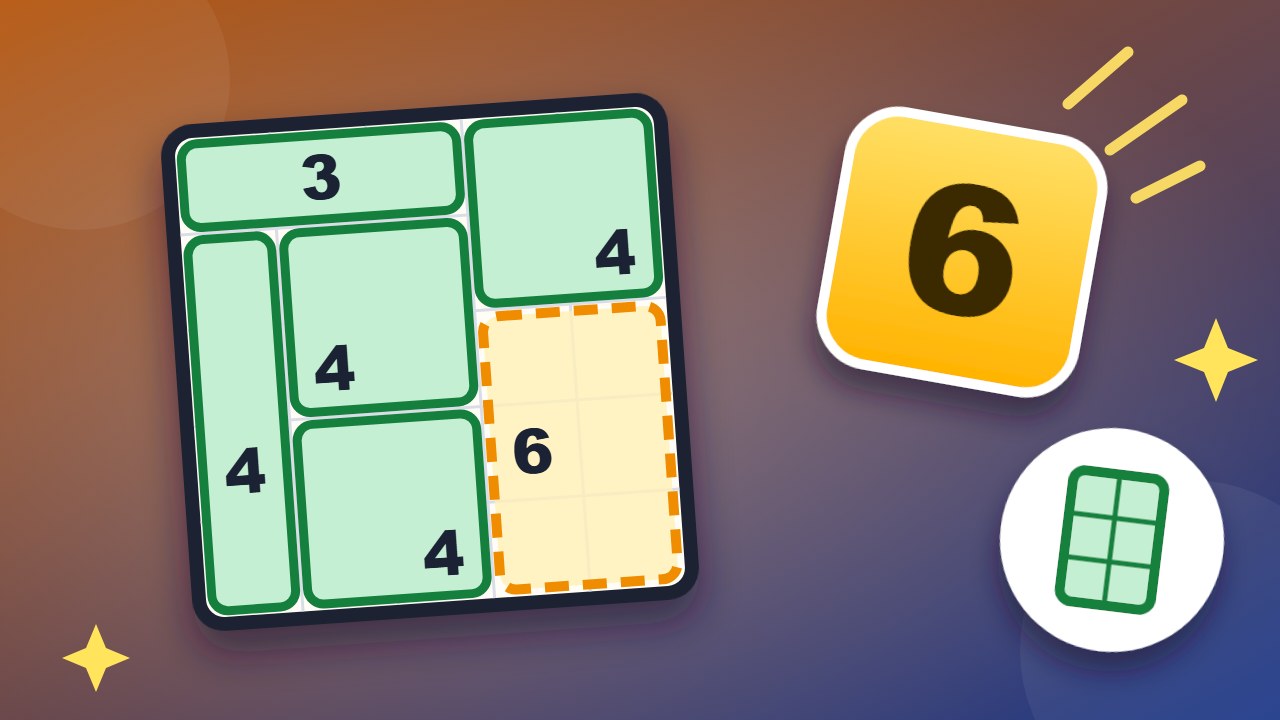 CubiclesSplit the floor into rooms: one number each, sized to match.
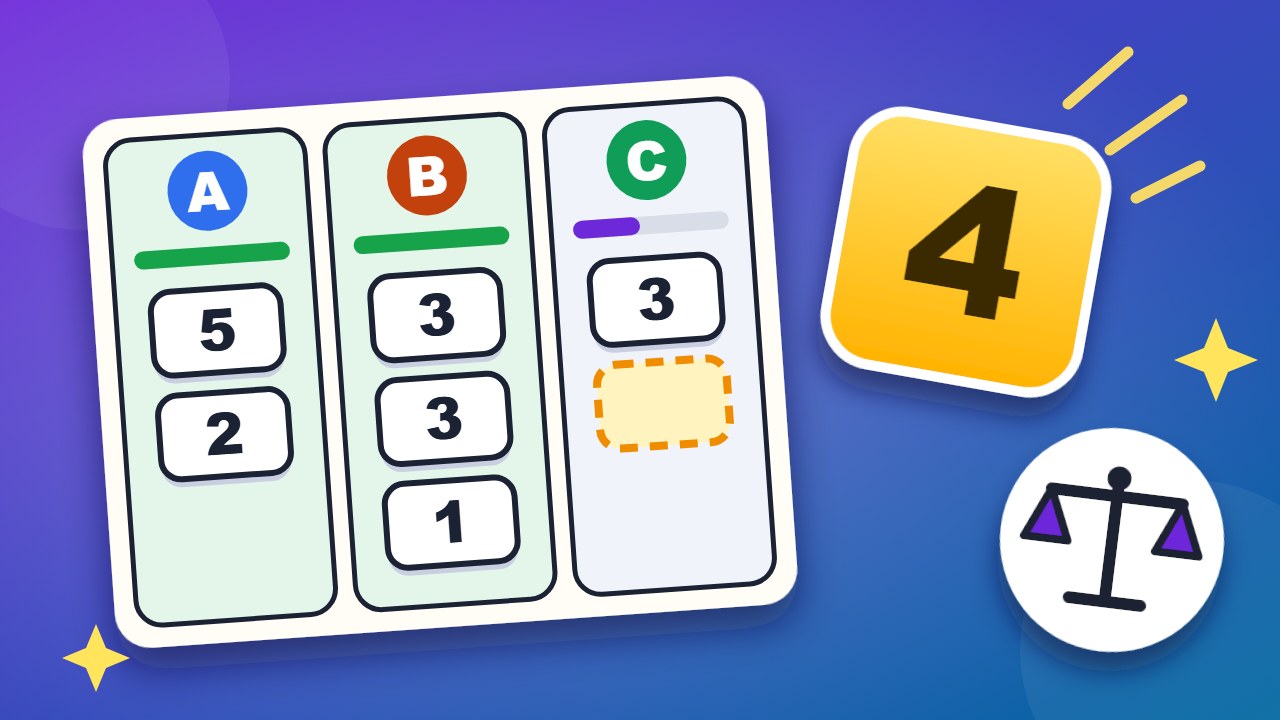 Fair ShareShare the tasks so that everyone works the same hours.
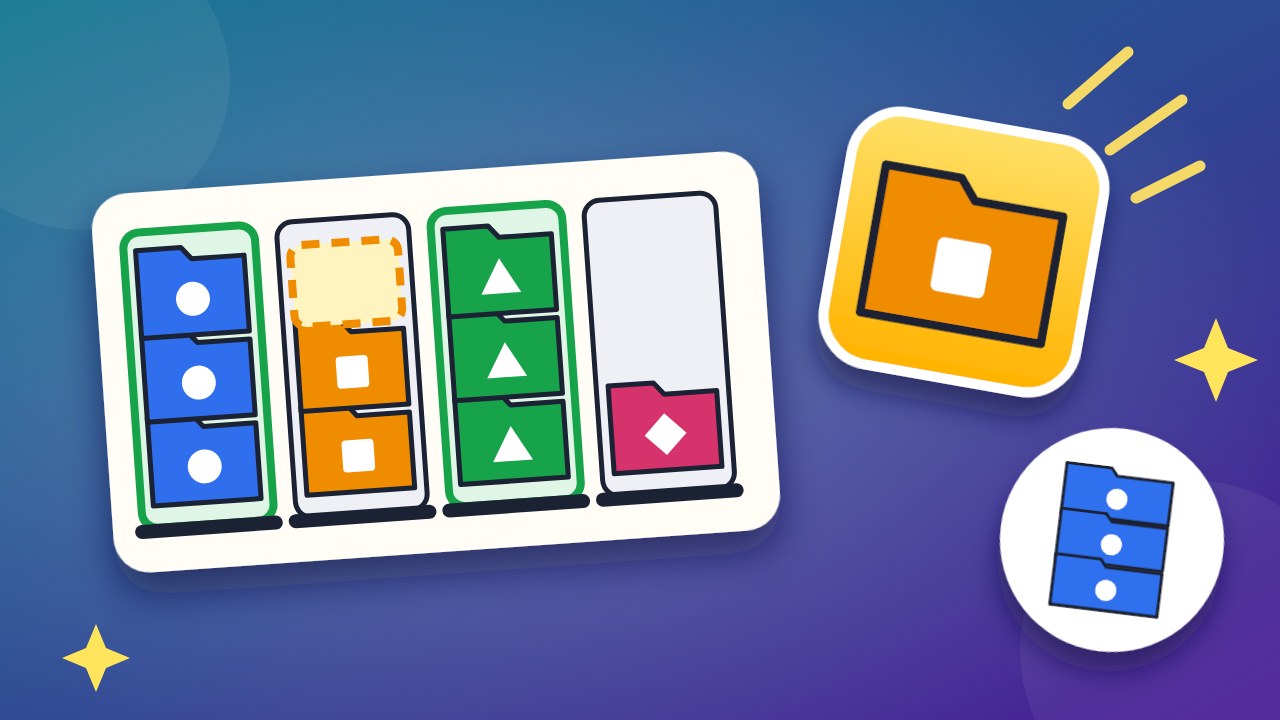 Tidy TraysSort the folders until every tray holds one color.