
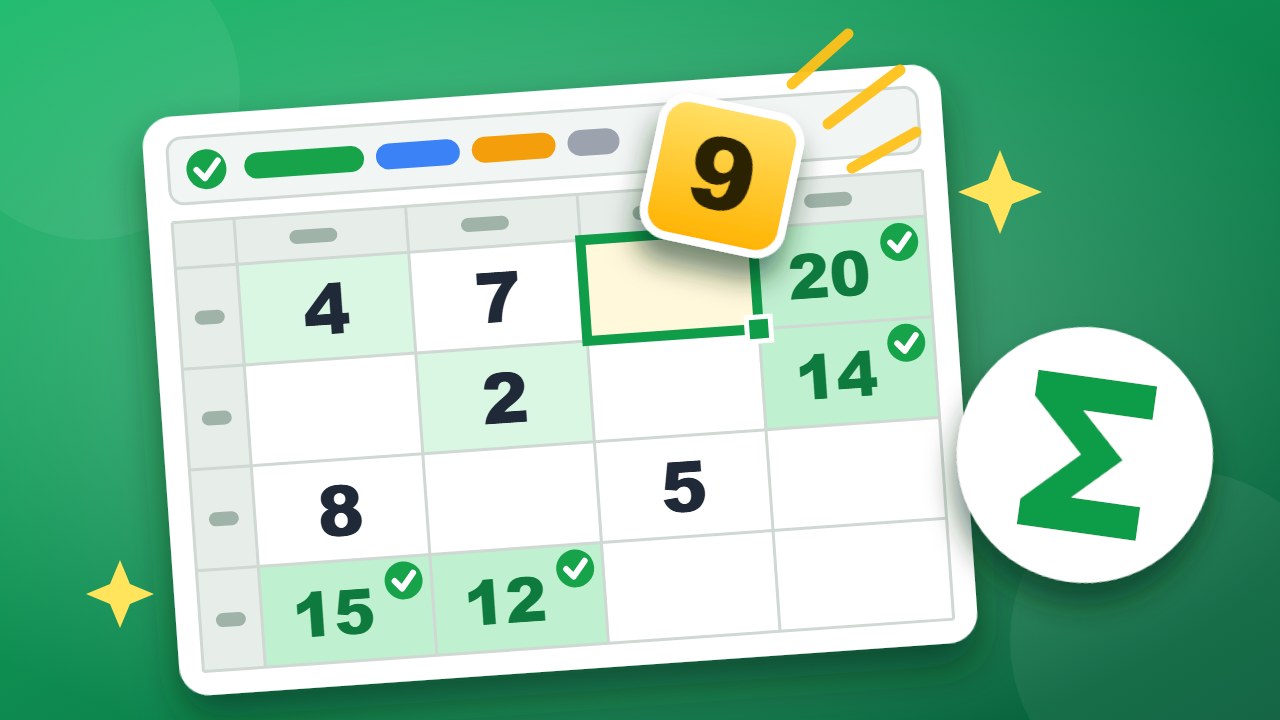
Cellwise is a free daily number puzzle that looks like a small spreadsheet. Every row and every column ends in a formula, and a few cells are empty. Place the number tiles so that all the formulas come out true. Monday is gentle. Friday takes real thought.
No sign-up and nothing to install. It runs in your browser on a computer or a phone, and your progress is saved on your device.
- Every tile is used once. The tray holds exactly the numbers that are missing.
- Green means true. A formula cell turns green when its row or column is right, and red when it is not.
- One answer. Every puzzle can be solved by reasoning, without guessing.
- Stuck? The lightbulb places one tile for you. Hints are free.
How to play Cellwise
- Drag a number tile to an empty cell. You can also tap the tile and then the cell, or the cell first and then the tile.
- Look at the formula at the end of the row and at the bottom of the column. Tap a formula cell to read what it asks for in plain words.
- When a row or column is full, its formula cell turns green if it is true and red if it is false.
- Fill every empty cell so that every formula is green.
The formulas
| Formula | What it asks for | First appears |
|---|---|---|
| SUM | The numbers add up to the result. | Monday |
| MAX | The largest number in the line equals the result. | Tuesday |
| MIN | The smallest number in the line equals the result. | Tuesday |
| COUNTIF | The line has exactly that many numbers greater than the one shown. | Wednesday |
| AVERAGE | The total divided by how many numbers there are. | Wednesday |
| PRODUCT | The numbers multiplied together. | Thursday |
| MAX − MIN | The gap between the largest and the smallest number. | Thursday |
Tips for solving faster
- Start with the line that has one empty cell. A sum with one gap gives you the missing number at once.
- Use MAX and MIN as fences. If the largest number in a row is 6, no tile above 6 can go there.
- Look at the tray, not only the sheet. If only one 9 is left, find the formula that needs it.
- Break a product into factors. A product of 35 needs a 5 and a 7.
- Cross-check. Every empty cell sits in one row and one column. The tile must fit both.
How the week gets harder
| Day | Sheet | Tiles to place | What is new |
|---|---|---|---|
| Monday | 3 × 3 | 4 or 5 | Sums only. |
| Tuesday | 3 × 4 | 6 or 7 | Largest and smallest. |
| Wednesday | 4 × 4 | 8 or 9 | Counting and averages. |
| Thursday | 4 × 4 | 10 or 11 | Products and the gap between largest and smallest. |
| Friday | 5 × 5 | 14 or 15 | Every kind of formula. |
Saturday plays like a Wednesday and Sunday like a Tuesday.
Frequently asked questions
Is Cellwise free?
Yes. There is no account, no download and no paywall.
Do I need to know spreadsheets?
No. The warm-up rounds explain each formula, and the line above the sheet says in plain words what the selected row or column needs.
When does the new puzzle appear?
At midnight in your local time.
Can I play earlier puzzles?
Yes. Open the calendar button at the top of the game and pick any day from the past eight weeks.
Does it work on a phone?
Yes. Drag a tile with your finger, or tap a tile and then a cell.
More to play on WiseChecker
- Browser Games: every WiseChecker game in one place.
- Clean Desk: remember the desk and find what is gone.
- No Blind Spots: place cameras so that no square is a blind spot.
- Cell Value: find the number behind every letter.
- File Pairs: turn over two cards and find the pairs.