
Browser Games›Reversi
Play a full game of Reversi, also known as Othello, against the computer in your browser. Place a disc, trap the computer’s discs in a line and watch them flip to your colour. Choose Easy to learn the rules, Medium for a fair game, or Hard when you want an opponent that plans ahead and counts the endgame exactly.
How to play Reversi
- The game starts with four discs in the centre. Black moves first, and the players take turns placing one disc.
- A move must trap at least one opposing disc: the new disc and another disc of your colour must have one or more opposing discs in a straight line between them, with no gaps.
- Every trapped disc flips to your colour. Lines count across, down and diagonally, and one move can flip discs in several directions at once.
- If you have no legal move, you pass and the other side plays again. You cannot pass when a move is available.
- The game ends when neither side can move, usually when the board is full. The side with more discs wins.
How to use this board
- Select an empty square to place your disc. On a phone, tap the square.
- With Show legal moves on, a pale dot marks every square where you can play. Turn it off for a harder game.
- Use the Black and White buttons to choose your colour. Black moves first, so choosing white lets the computer start.
- The two cards above the board show the live count. A green outline shows whose turn it is, and an orange Pass tag appears on the side that had to pass.
- Undo takes back your last move together with the computer’s reply. Hint marks a good square in blue. A red dot marks the last disc placed.
The three levels
- Easy: looks two moves ahead and sometimes plays at random. It grabs discs early and gives away corners.
- Medium: looks four moves ahead and knows which squares are valuable. It plays the last seven moves perfectly.
- Hard: thinks for about half a second, usually six to eight moves ahead, weighs corners, safe edges and freedom of movement, and plays the last ten moves perfectly.
Reversi strategy for beginners
- Take the corners. A corner disc can never be flipped, and it anchors the edges next to it.
- Stay off the squares next to an empty corner, above all the diagonal one. Playing there usually hands the corner to the computer.
- Having more discs in the middle of the game is not an advantage. Fewer discs often means more moves to choose from.
- Limit the computer’s options. A side with few legal moves is forced into bad ones.
- Edges are strong but not safe by themselves. An edge disc is only secure when it connects to a corner of your colour.
- Count the empty squares near the end. The player who makes the last move in a region usually gains the most there.
Rules used here
This game follows the standard rules: an 8 by 8 board, the fixed starting position with two discs each in the centre, black moves first, passing is compulsory when no move exists, and the final count decides the winner. Empty squares at the end are not added to anyone’s score. Your record for each level and the game in progress are saved in this browser.
Frequently asked questions
Who moves first in Reversi?
Black moves first. Here you choose your colour with the Black and White buttons, so you decide whether you or the computer starts.
What happens when I cannot move?
You pass automatically and the computer plays again. An orange Pass tag shows on your card. The game ends only when neither side can move.
Can I place a disc that flips nothing?
No. Every move must flip at least one opposing disc. Squares where you can play are marked with a pale dot.
Why are corners so important?
A corner cannot be trapped between two discs, so it can never be flipped. Discs along the edge that connect to your corner become safe as well.
Is it free?
Yes. There is no sign-up and no download, and you can play as many games as you like.
Can I continue a game later?
Yes. The game is saved in this browser after each move and opens again when you come back.
More games to play
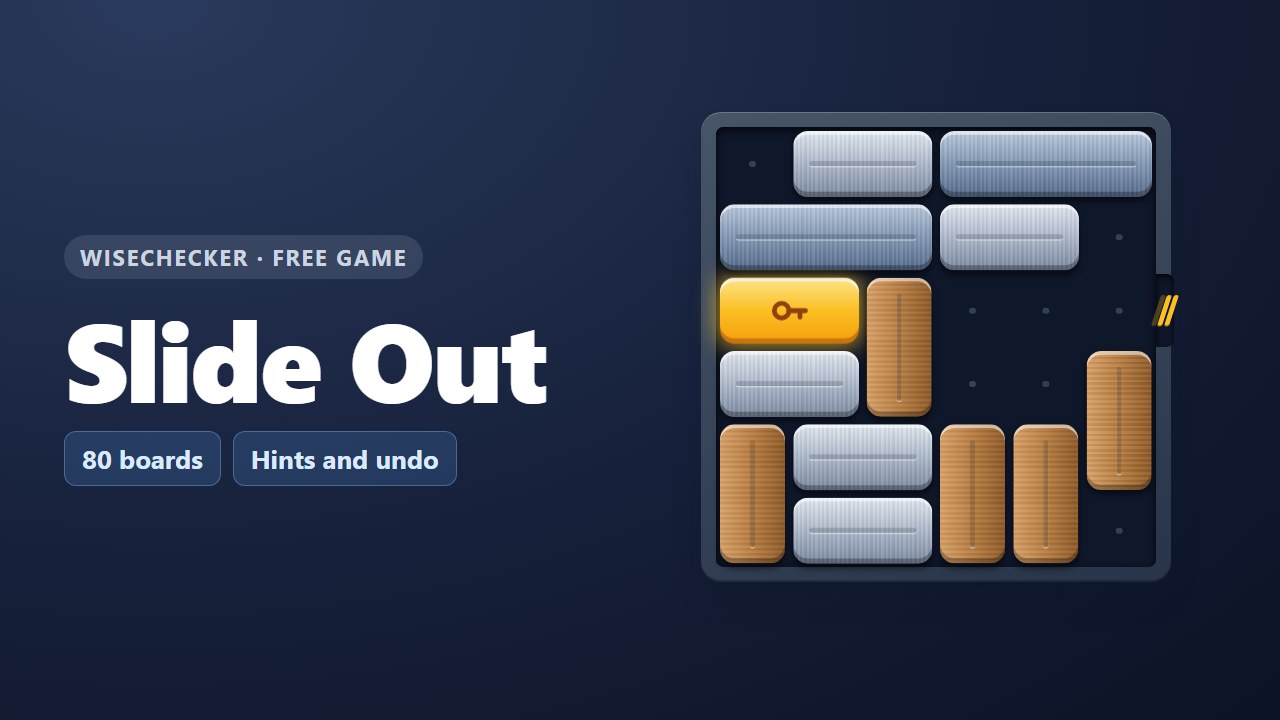 Slide OutSlide the bars and free the gold key bar. 80 boards.
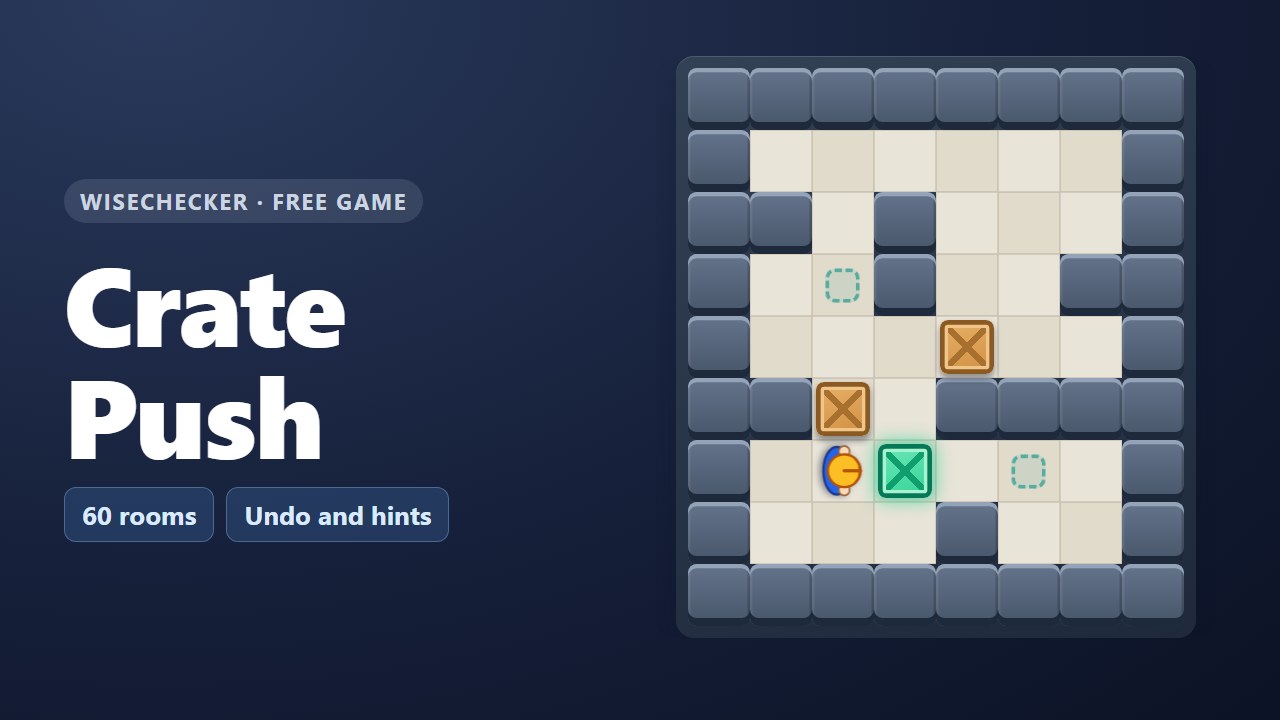 Crate PushA box-pushing puzzle in 60 warehouse rooms.
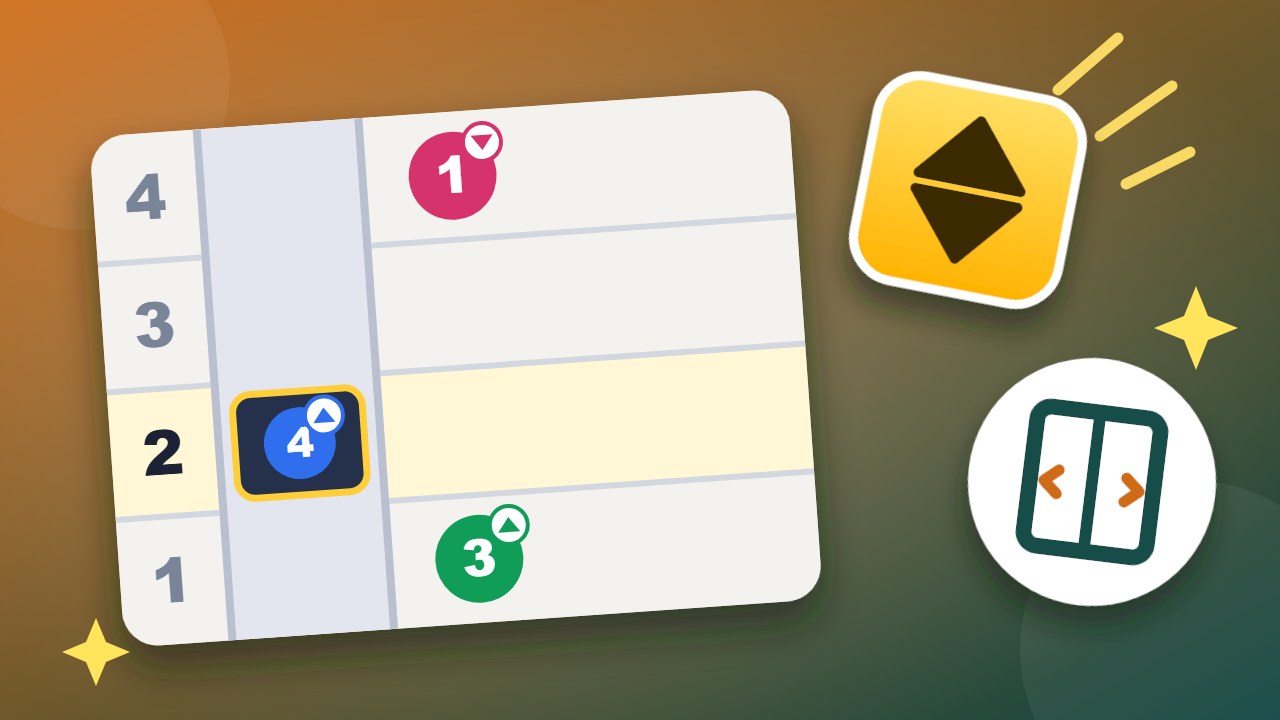 Lift LogicBring everyone to their floor in the fewest moves.
 One UmbrellaGet everyone across with one umbrella, in the fewest minutes.
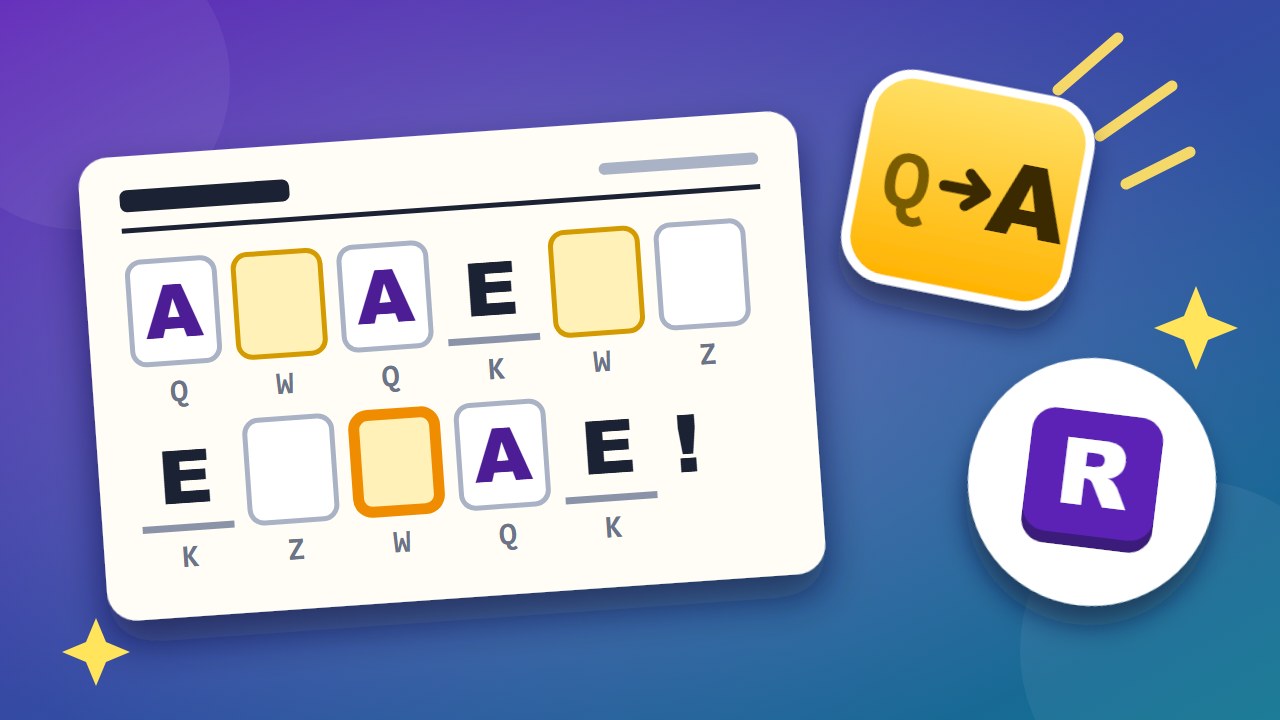 Decode the MemoCrack the letter code and read the office memo.
 Fire WardensPlace one warden in every row, column and department.
Handy free tools
- Data ConverterConvert between JSON, CSV, XML, and YAML, plus Base64, URL encoding, HTML entities, number bases, and Unix time—all in your browser.
- Regex TesterTest JavaScript-compatible regular expressions in real time.
- Browser & PC CheckDiagnoses your browser, OS, screen, cookies, storage, camera/microphone permissions, and download capability, then generates a support report.
- ALLAll free toolsSee all 36 tools in one list.