
Browser Games›Minesweeper
Play classic Minesweeper in your browser. Open every square that has no mine, using the numbers to work out where the mines are. With No guessing switched on, every board is checked before you start, so you never lose to a coin flip at the end.
How to play Minesweeper
- Open any square to start. The first square is always safe and opens a small area.
- A number tells you how many mines are in the eight squares around it. An empty square has no mines around it, and its neighbours open by themselves.
- When you are sure a square hides a mine, put a flag on it so you do not open it by mistake.
- You win when every square without a mine is open. You do not have to flag the mines.
- If you open a mine, the game is over. All mines are shown, and flags that were on safe squares are crossed out.
Controls on a computer and on a phone
- Computer: left click opens a square and right click places or removes a flag. Clicking a number whose flags are all placed opens the other squares around it (this is called a chord). The middle button does the same.
- Phone or tablet: tap to open and press and hold to flag. If you prefer, switch the control under the board from Open to Flag: taps then place flags and a long press opens.
- Keyboard: move with the arrow keys, open with Enter or Space, and flag with F.
- On a narrow screen the Expert board is turned to 16 by 30 so the squares stay large. Larger squares makes them bigger still and lets you scroll the board.
- The round button above the board starts a new game at once.
Levels and the No guessing option
- Beginner: 9 by 9 with 10 mines.
- Intermediate: 16 by 16 with 40 mines.
- Expert: 30 by 16 with 99 mines.
- With No guessing on, the game builds the board after your first click and plays it through with a logic solver. It only gives you a board the solver can finish, so there is always a safe square you can prove. The shield turns green when the board has been verified.
- Switch the option off for classic random boards, where a forced guess can happen. Best times and win rates are kept apart for the two kinds of board.
Patterns worth knowing
- A number with as many closed squares as its value: all of them are mines. A 1 in a corner of the open area that touches a single closed square is the most common case.
- A number whose mines are all flagged: every other square around it is safe. Chord on it to open them in one click.
- 1-2-1 along a wall: the mines are under the two 1s, and the square under the 2 is safe.
- 1-2-2-1 along a wall: the mines are under the two 2s, and the squares under the 1s are safe.
- 1-1 starting at an edge: the third square away from the edge is safe, because the first 1 already accounts for the mine shared by both.
- Count the mines left: near the end, the counter often settles the last squares. If it shows 0, everything still closed is safe.
Playing faster
Flag only the mines you need for a chord. Every flag costs a click, and many fast players flag very little. Read the board in sweeps along the edge of the open area instead of jumping around, and use chords to open several squares at once. Your best time for each level is saved in this browser, together with how many games you have won.
Frequently asked questions
Do I ever have to guess?
Not with No guessing switched on. Each board is solved by a logic checker before it is given to you, so a safe move can always be worked out. With the option off, boards are random and a guess can be forced.
Can the first click hit a mine?
No. The mines are placed after your first click, and never on that square or the squares around it, so the first click always opens an area.
How do I place a flag on a phone?
Press and hold a square, or switch the control under the board to Flag and tap.
What does clicking a number do?
If the number already has that many flags around it, the remaining squares around it open at once. If a flag is wrong, this opens a mine, so check your flags first.
What are the board sizes?
Beginner is 9 by 9 with 10 mines, Intermediate is 16 by 16 with 40 mines, and Expert is 30 by 16 with 99 mines.
Is it free, and is my progress saved?
Yes. There is no sign-up and no download. The game in progress, your best times and your win rate are saved in this browser.
More games to play
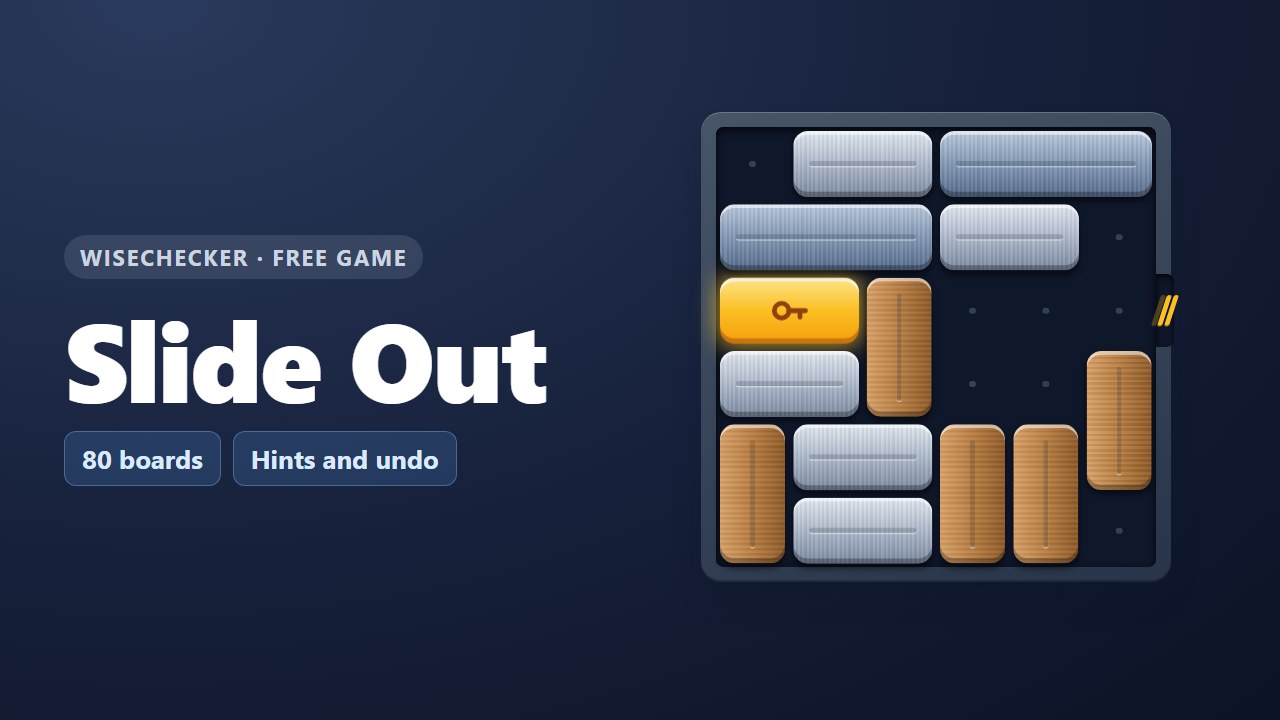 Slide OutSlide the bars and free the gold key bar. 80 boards.
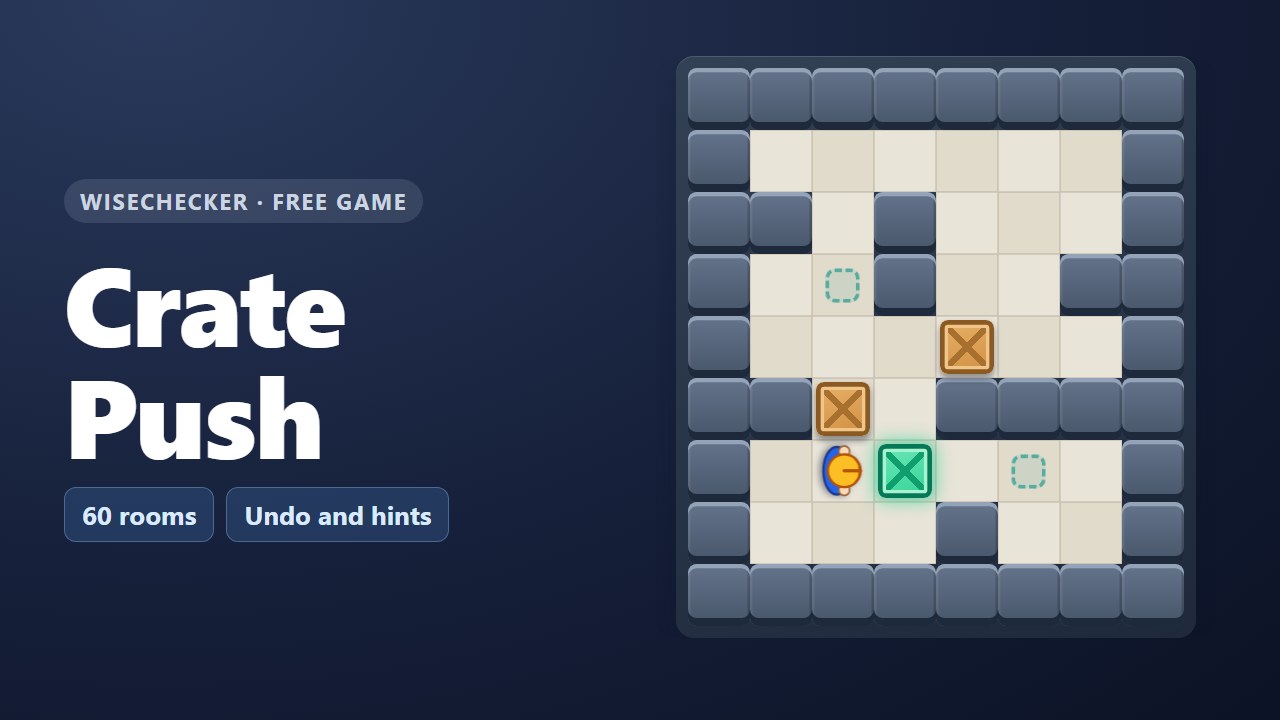 Crate PushA box-pushing puzzle in 60 warehouse rooms.
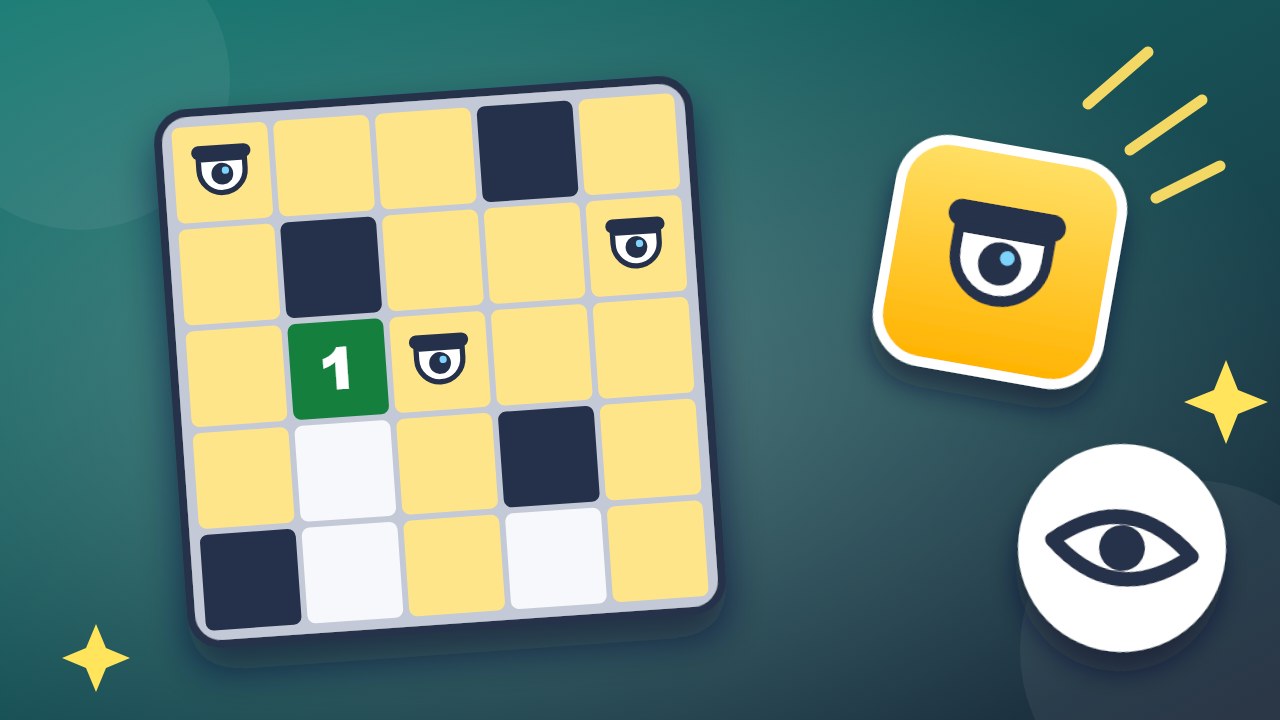 No Blind SpotsPlace cameras so that no square is a blind spot.
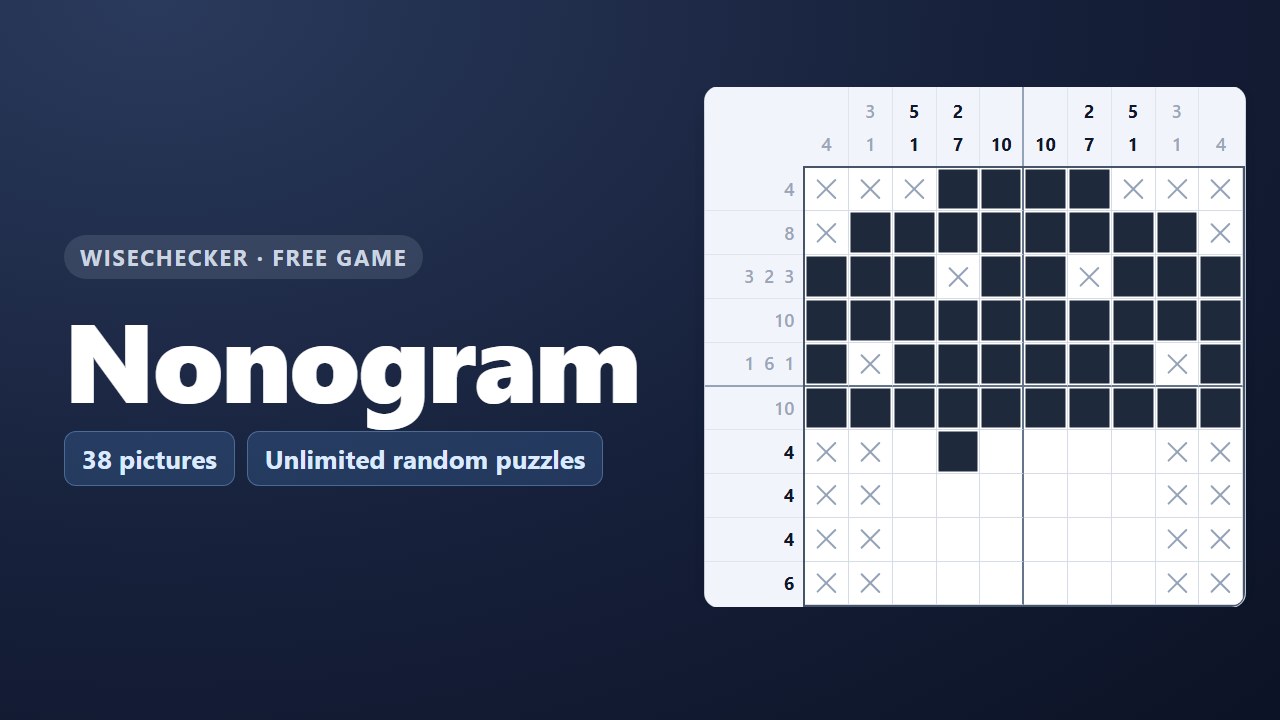 NonogramFill cells from number clues and reveal a hidden picture.
 Clean DeskRemember the desk and find what is gone.
 SudokuUnlimited puzzles in four levels, with notes and hints.
Handy free tools
- Character CounterCount characters, words and sentences as you type, check a length limit, and change the case with one click.
- CPS TestCount how many times you can click in 1 to 60 seconds, with your clicks per second and your best result.
- Date CalculatorCount the days between two dates, or find the date a number of days, weeks or months before or after a start date.
- ALLAll free toolsSee all 36 tools in one list.