
Browser Games›Jigsaw Puzzle
Pick a picture, choose how many pieces you want and put it back together. The pieces have real tabs and blanks, they click together when they match, and your puzzle is still there when you come back.
How to play
- Press New puzzle, choose 12, 24, 48 or 96 pieces and tap one of the twelve pictures.
- Drag a piece onto the board. When you drop it close to its place in the frame, it locks there with a click.
- Two loose pieces that belong together also click together, anywhere on the table. From then on they move as one group.
- Keep joining groups and locking them into the frame until no piece is left.
- The clock starts with your first move and stops when the last piece is in. Your best time for each picture and size is kept.
Controls on a phone and on a computer
- On a computer the pieces start scattered around the board. Drag with the mouse; the piece or group you pick up comes to the front.
- On a phone the pieces wait in a tray under the board. Swipe the tray sideways to look through it and pull a piece upward to take it out. While you drag, the piece floats just above your finger so you can see where it goes.
- You can park pieces and half-built groups in the free strip under the board, or drop a single piece back on the tray.
- Eye button: shows a faint copy of the finished picture on the board, like a look at the lid of the box.
- Frame button: hides the loose inner pieces, so only edge pieces and everything you have already joined stay in view.
- Rotate pieces (in the picture menu): pieces start turned. Tap a piece or a group to turn it by 90 degrees.
Sizes and pictures
- 12 pieces (4 by 3): a couple of minutes. Good for children and for a first try on a phone.
- 24 pieces (6 by 4): the relaxed everyday size.
- 48 pieces (8 by 6): needs some sorting. Expect ten to twenty minutes.
- 96 pieces (12 by 8): a proper sit-down puzzle. It runs smoothly on a phone, but a tablet or a computer is more comfortable because the pieces are larger.
- The twelve pictures range from a harbour at dusk and a mountain lake to a coral reef, a city at night and a ringed planet. Each new game cuts the pieces in a new way.
Tips for solving faster
- Start with the frame. Turn on the frame button, lock the four corners, then fill the sides. An edge piece has one straight side, a corner has two.
- Sort by colour before you join. In the harbour picture, orange pieces belong to the sky near the sun, purple ones to the hills, and dark blue ones to the water at the bottom.
- Follow lines across a cut. A horizon, a mast, a roof edge or a window frame continues on the next piece at the same height. Such lines place a piece more reliably than its colour.
- Read the shape. Every side is a tab, a blank or straight. If the gap has tabs pointing into it from the left and from above, the piece you need has blanks on its left and on its top.
- Build small islands. A balloon, a boat or a house is easy to finish as a loose group. Drop the finished island near its spot and it locks into the frame.
How this jigsaw works
Pieces snap in two ways. A piece or a group locks into the frame when it is dropped close to its true position, and locked pieces cannot be moved by accident. Loose pieces join each other when the matching sides are close and both are turned the same way. With rotation switched on, a group has to be upright before it can lock into the frame. A piece that does not fit simply stays where you dropped it. The puzzle in progress, the clock, your best times and your settings are saved in this browser.
Frequently asked questions
Is this jigsaw puzzle free?
Yes. There is no sign-up, no download and no limit on how many puzzles you play.
How many pieces can I choose?
12, 24, 48 or 96. All twelve pictures are available in every size.
Can the pieces be rotated?
By default every piece is already the right way up. If you turn on Rotate pieces before you start, the pieces begin turned and you tap a piece to turn it by 90 degrees.
Is my puzzle saved if I close the page?
Yes. The place of every piece and the clock are saved in this browser after each move. Open the page again on the same device and continue.
Does it work on a phone?
Yes. On a narrow screen the pieces sit in a tray that you swipe sideways, and a dragged piece floats above your finger.
Are the pictures photographs?
No. All twelve scenes are illustrations drawn by the game itself. Nothing is downloaded, and the picture stays sharp on every screen.
More games to play
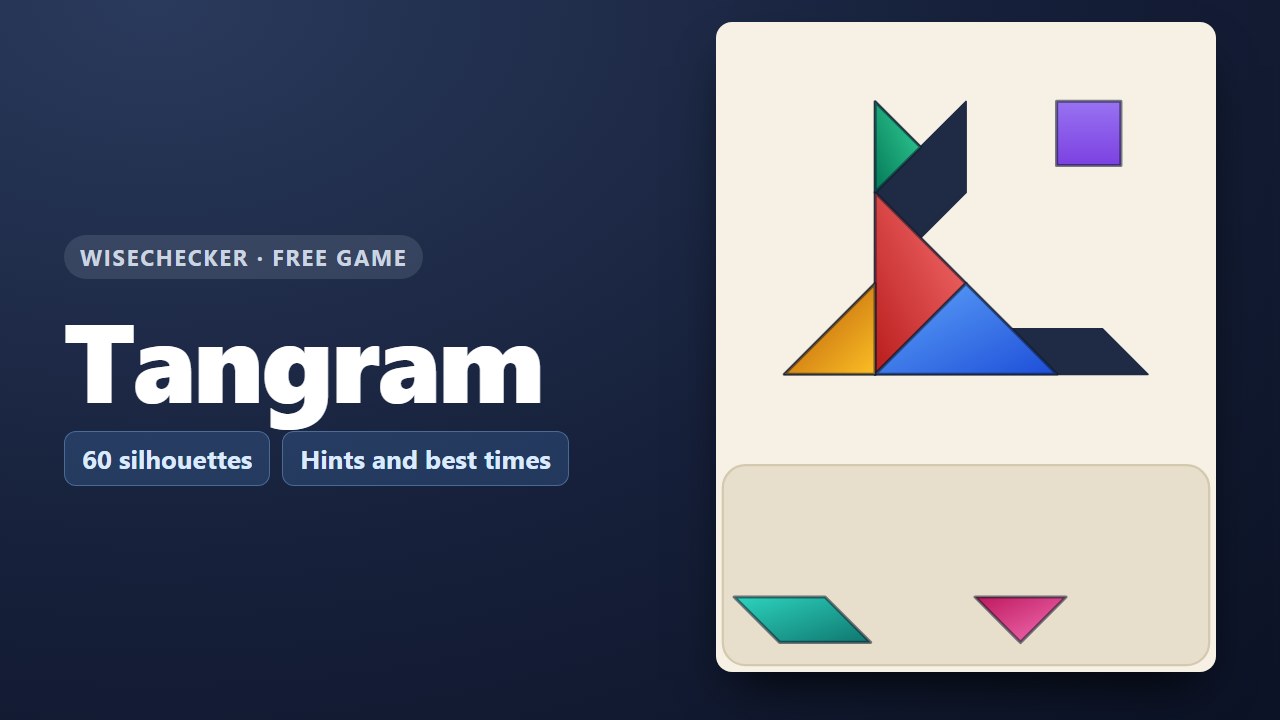 TangramCover 60 silhouettes with the seven classic pieces.
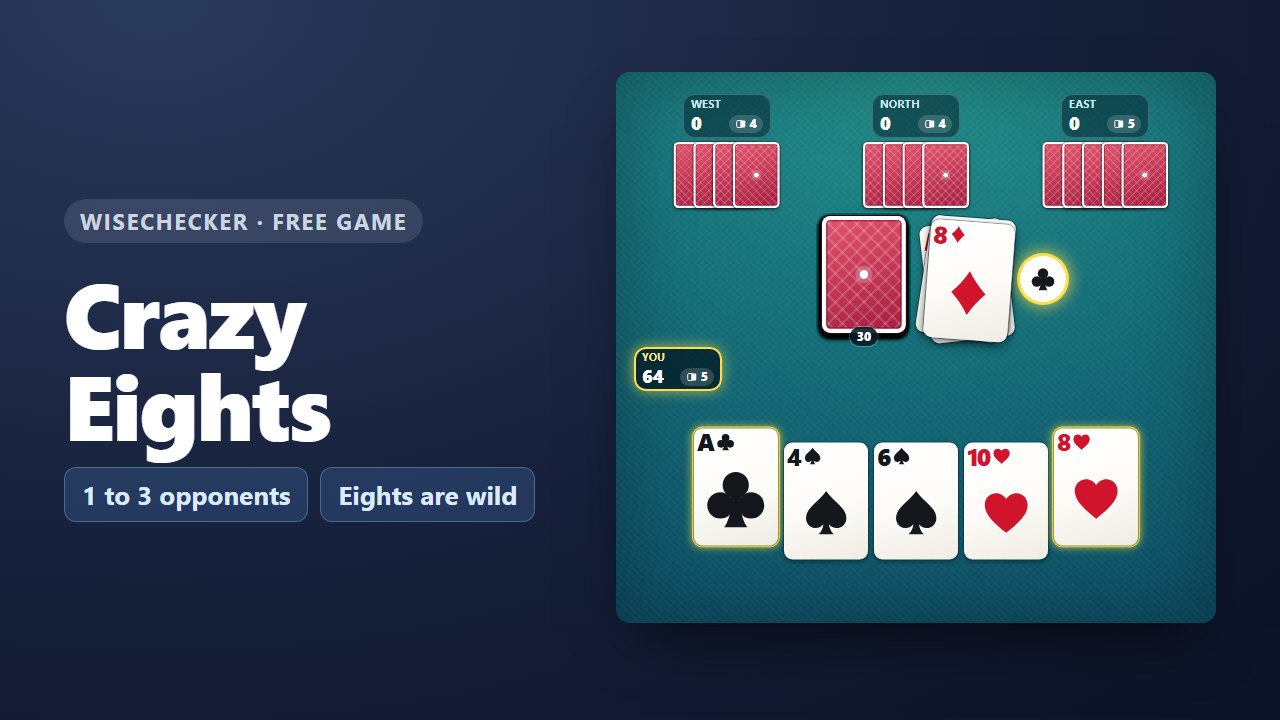 Crazy EightsClassic Crazy Eights against one to three computer players.
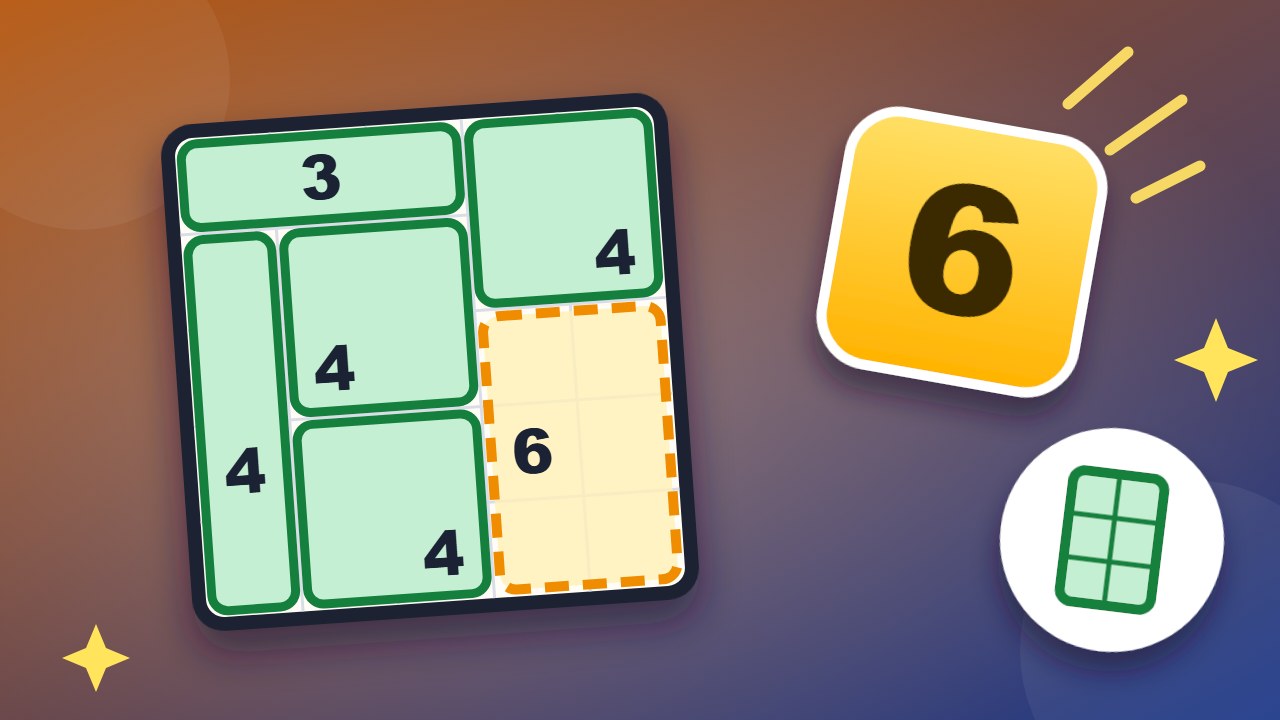 CubiclesSplit the floor into rooms: one number each, sized to match.
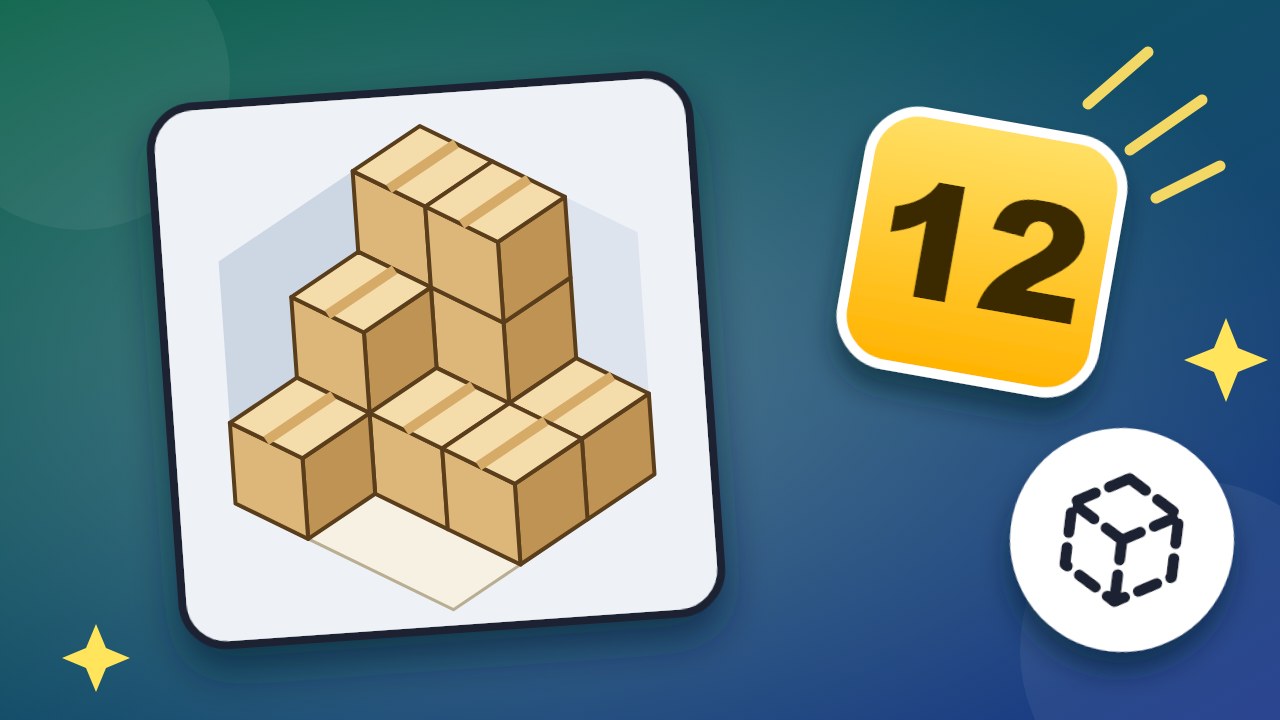 Box CountCount the boxes in the pile, hidden ones included.
 Brick BreakerClear 20 brick layouts with paddle, ball and falling bonuses.
 Crate PushA box-pushing puzzle in 60 warehouse rooms.
Handy free tools
- CSS Visual BuilderGenerate CSS gradients and multiple box-shadows, and preview or save SVG code with dangerous elements removed and isolated.
- Social Image MakerSet a headline, colors, background image, and logo; check automatic text fitting and safe-area trimming, then save OGP and social media images.
- PDF EditorEdit PDFs without uploading them. Merge, split, reorder, rotate, extract and delete pages, add page numbers and watermarks, and remove metadata for…
- ALLAll free toolsSee all 36 tools in one list.