
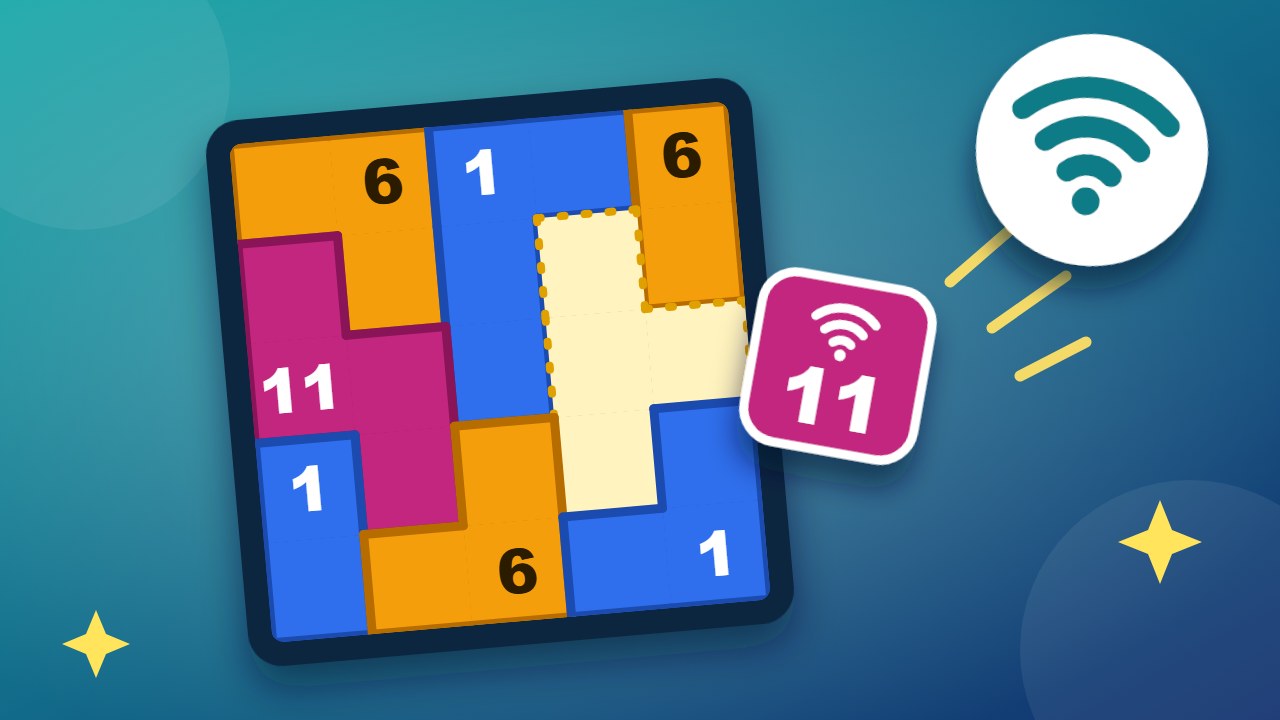
Wi-Fi Channels is a free daily puzzle on an office floor plan. Every room has a Wi-Fi access point, and each one needs a channel: 1, 6 or 11. Two rooms that share a wall interfere if they use the same channel. A few rooms are already set. Work out the rest. Monday is a small office. Friday is a big one.
No sign-up and nothing to install. It runs in your browser on a computer or a phone, and your progress is saved on your device.
- Three channels. 1, 6 and 11 are the Wi-Fi channels that do not overlap, so they are the three you get.
- Walls matter, corners do not. Rooms that only touch at a corner can share a channel.
- One answer. The rooms that are already set leave exactly one way to finish.
- Stuck? The lightbulb sets one room for you. Hints and undo are free.
How to play Wi-Fi Channels
- Tap a room to step through the channels: 1, 6, 11, and empty again.
- Or tap a channel first and then tap every room that should get it.
- If two rooms that share a wall use the same channel, both turn red. Change one of them.
- Give every room a channel with no red rooms left.
Ways to work it out
| Situation | What it tells you | Example |
|---|---|---|
| A room touches two different channels | Only the third channel is left for it. | Next to a 1 and a 6, the room must be 11. |
| Three rooms all touch each other | They use all three channels, one each. | If two of them are 1 and 11, the third is 6. |
| Two rooms both touch the same pair of touching rooms | They get the same channel. | Both take the channel that the pair does not use. |
| A locked room | It is set from the start and cannot change. | Start with the rooms around it. |
Tips for a clean network
- Start next to the locked rooms. They are the only facts you have at first.
- Look for a room with two different neighbours. It has one channel left.
- Find the triangles. Three rooms that all touch each other always use 1, 6 and 11.
- Try a channel and watch for red. If a guess leads to a clash, the other channel was right.
- Corners are free. Do not rule out a channel because of a room that only touches at a corner.
How the week gets harder
| Day | Floor | Rooms | What is new |
|---|---|---|---|
| Monday | 4 × 4 | 6 or 7 | Every step has only one channel left. |
| Tuesday | 5 × 5 | 8 to 10 | More rooms, fewer of them already set. |
| Wednesday | 5 × 6 | 11 to 13 | A longer chain of steps. |
| Thursday | 6 × 6 | 13 to 15 | Some days you have to compare two rooms. |
| Friday | 6 × 7 | 16 or 17 | Only 2 to 4 rooms are set. You need the triangles. |
Saturday plays like a Wednesday and Sunday like a Tuesday.
Frequently asked questions
Is Wi-Fi Channels free?
Yes. There is no account, no download and no paywall.
Why channels 1, 6 and 11?
On 2.4 GHz Wi-Fi, neighbouring channels overlap. Channels 1, 6 and 11 are far enough apart not to overlap, which is why network guides recommend them. The game uses the same three.
Is this how real Wi-Fi planning works?
It is a simplified version. Real planning also depends on walls, distance and signal strength. The rule of not using the same channel next door is real.
Is there more than one answer?
No. Every puzzle has exactly one answer.
When does the new puzzle appear?
At midnight in your local time.
Can I play earlier puzzles?
Yes. Open the calendar button at the top of the game and pick any day from the past eight weeks.
Does it work on a phone?
Yes. Tap a room to change its channel.
More to play on WiseChecker
- Browser Games: every WiseChecker game in one place.
- Clean Desk: remember the desk and find what is gone.
- No Blind Spots: place cameras so that no square is a blind spot.
- Cell Value: find the number behind every letter.
- File Pairs: turn over two cards and find the pairs.