
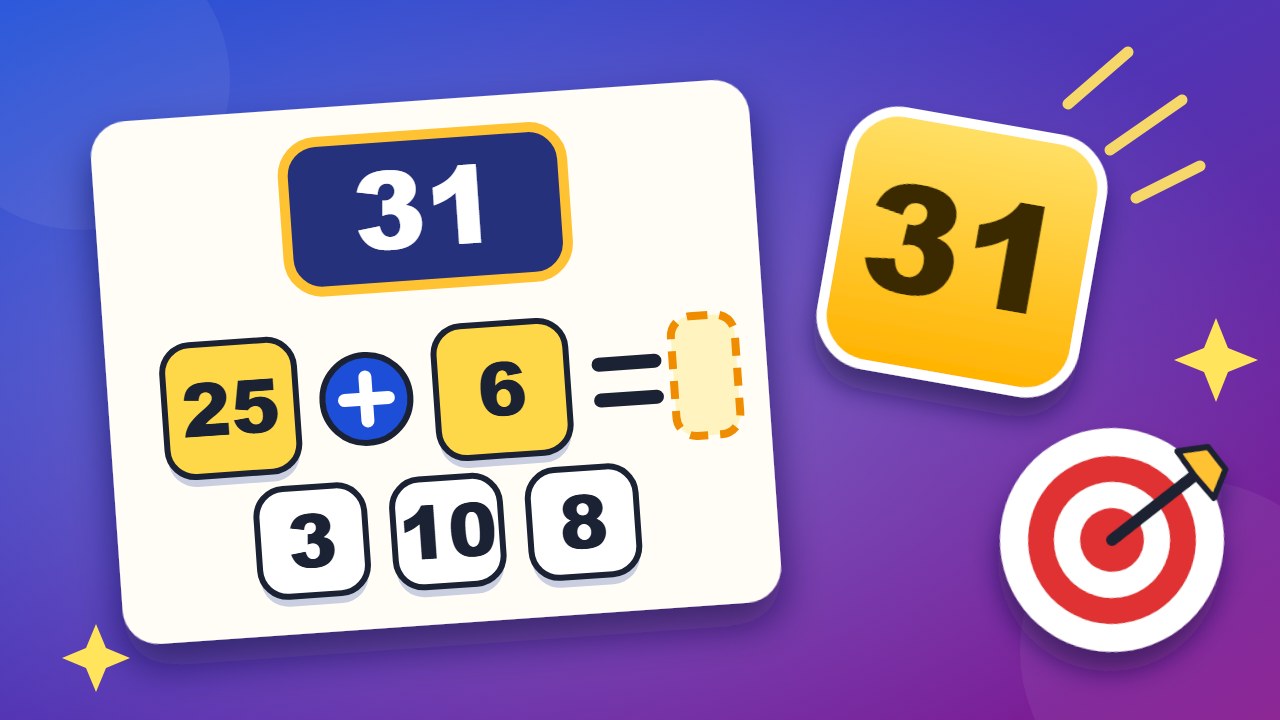
On Target is a free daily number puzzle. You get a handful of number tiles and a target. Join two tiles with +, −, × or ÷ and they become one new tile, which you can use again. Keep going until a tile shows the target exactly. Each day has three targets. On Monday there are four small numbers, and two steps are enough. On Friday there are six numbers, targets up to 999, and the last target needs four steps.
No sign-up and nothing to install. It runs in your browser on a computer or a phone, and your progress is saved on your device.
- Three taps per step. Tap a number, a sign and another number. The new tile stays selected, so you can carry on with the next sign.
- Whole numbers only. Every result must be a whole number above zero. The game stops a step that breaks this rule and tells you why.
- No need to use everything. You win as soon as any tile shows the target. Spare tiles do not matter.
- Stuck? The lightbulb shows one useful step. If the target can no longer be made from your tiles, it undoes a step instead.
How to play On Target
- Read the target at the top and look at the tiles below it.
- Tap the first number, then a sign, then the second number. For minus and divide, tap the bigger number first.
- Use the new tile in your next step. Your steps are listed beside the tiles, and Undo takes back the last one.
- When a tile shows the target, tap Next target. Hit all three targets to solve the day.
What you see
| Part | What it means |
|---|---|
| Target | The number to make. It turns green when you hit it. |
| White tile | A number you can use. |
| Yellow tile | The number you have selected. |
| Round buttons | Plus, minus, times and divide. |
| Green tile | The tile that hit the target. |
| Your steps | Each step you took in this round, with its result. |
| Three dots | The three targets of the day. Green is done, yellow is the current one. |
Tips for hitting the target
- Get close with one multiplication. Look for two tiles whose product lands near the target, then fix the difference with the small tiles.
- Work backwards. If the target is 119 and you have a 15, ask what is missing: 104. Can the other tiles make 104?
- Build a helper number. Sometimes two small tiles make exactly the multiplier you need, like 5 + 3 = 8 before 75 × 8.
- Divide to shrink. A division can turn a big tile into a handy small one, such as 75 ÷ 5 = 15.
- Undo early. If the last step did not help, take it back at once. Starting over costs more time.
How the week gets harder
| Day | Number tiles | Fewest steps for the three targets | Targets |
|---|---|---|---|
| Monday | 4 small numbers | 2, 2 and 2 | 11 to 60 |
| Tuesday | 4, one of them bigger | 2, 2 and 3 | 20 to 120 |
| Wednesday | 5, one of them bigger | 2, 3 and 3 | 40 to 250 |
| Thursday | 5, two of them bigger | 3, 3 and 4 | 60 to 500 |
| Friday | 6, two of them from 25, 50, 75 and 100 | 3, 4 and 4 | 100 to 999 |
Saturday plays like a Wednesday and Sunday like a Tuesday. The fewest steps are what a target needs at least. You may use more.
Frequently asked questions
Is On Target free?
Yes. There is no account, no download and no paywall.
Is there only one way to hit a target?
Usually not. Any chain of steps that ends on the target wins, and you may take more steps than the fewest possible.
Why was my step refused?
Results must be whole numbers above zero. So 4 − 9 is refused, and so is 7 ÷ 2. For minus and divide, tap the bigger number first.
Do I have to use all the tiles?
No. The round ends as soon as one tile shows the target.
Can every target be made?
Yes. Every round was built and checked by a program, and one shortest way is stored with it. The hint uses it.
When do the new targets appear?
At midnight in your local time.
Can I play earlier days?
Yes. Open the calendar button at the top of the game and pick any day from the past eight weeks.
Does it work on a phone?
Yes. The tiles and signs are large buttons, and everything fits on one screen.
More to play on WiseChecker
- Browser Games: every WiseChecker game in one place.
- Clean Desk: remember the desk and find what is gone.
- No Blind Spots: place cameras so that no square is a blind spot.
- Cell Value: find the number behind every letter.
- File Pairs: turn over two cards and find the pairs.